Before you buy creator kits for small production crews, check the essential equipment for your specific needs, ensuring you don’t overspend. Assess workflow efficiency; user-friendly gear helps your team collaborate better. Make sure everything’s compatible with your current tools to avoid issues. Look into available training resources to reduce the learning curve. Finally, consider maintenance practices that will keep your equipment in top shape. There’s more to explore to maximize your production capabilities.

Get sports gear delivered free with Prime
- Fast, free delivery on millions of items
- Prime Video, Amazon Music and more included
- Member-only deals all year
Key Takeaways
- Assess essential equipment needs to ensure you prioritize cameras, lighting, and microphones based on your project requirements.
- Choose user-friendly gear that promotes efficient teamwork and accommodates varying crew experience levels.
- Check compatibility with existing tools to prevent integration issues and ensure a smooth production process.
- Look for available training resources, such as tutorials or manufacturer support, to reduce the learning curve for new equipment.
- Implement regular maintenance practices to enhance equipment longevity and performance, saving costs in the long run.

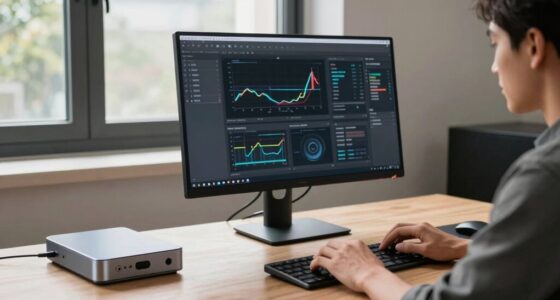
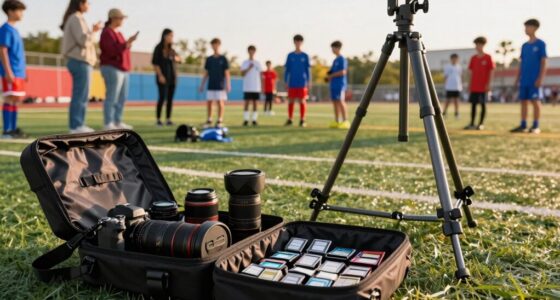
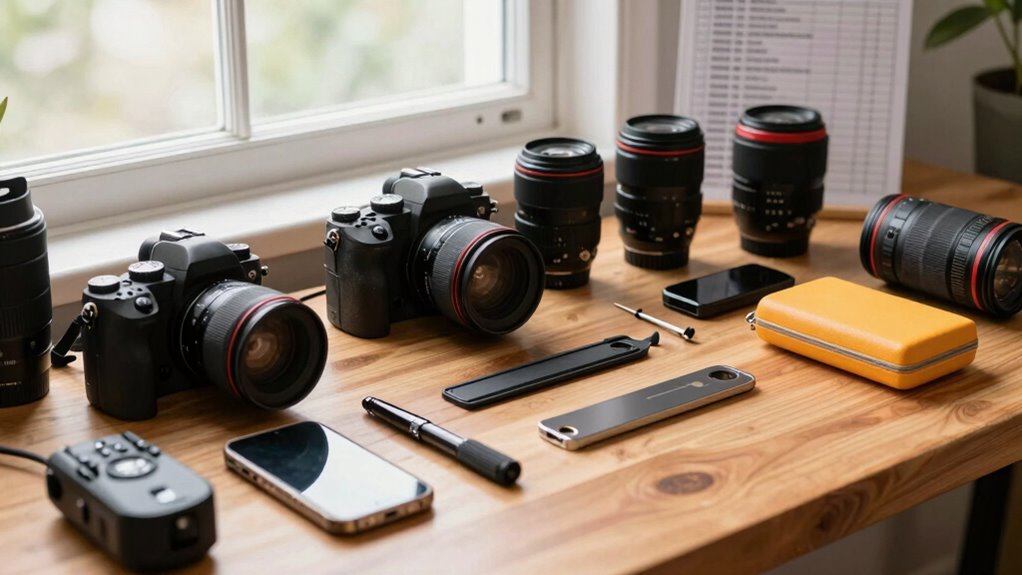
When you’re part of a small production crew, having the right tools makes all the difference. You want to guarantee your creator kits meet your team’s needs while staying within budget considerations. Before you plunge into purchases, think about what’s fundamental for your projects. Fundamental equipment can include cameras, lighting, microphones, and editing software. Each piece plays an essential role in the overall quality of your production, so prioritize what you truly need.
Next, consider how well the gear will support crew collaboration. You’ll want equipment that allows everyone to work together seamlessly. If your team can’t easily share or operate the tools, it could slow down your workflow efficiency. Look for kits that come with user-friendly interfaces and are intuitive to operate, making it easier for everyone to engage, regardless of their experience level. Additionally, assessing the compatibility of your equipment with existing tools can prevent future integration issues. Understanding content creation fundamentals can greatly improve your team’s efficiency and output quality. It’s also beneficial to evaluate the training resources available, as comprehensive guidance can significantly reduce the learning curve for new gear. Recognizing the importance of gear maintenance can help you keep your equipment in top shape over time. Proper maintenance practices are essential for ensuring your gear remains reliable and performs at its best. Knowing how to care for your equipment guarantees longevity and performance. Check reviews or manufacturer guidelines for insights on upkeep. A well-maintained kit not only performs better but also saves you money in the long run.
Products Worth Considering

GoPro LIT HERO Waterproof Action Camera with Built-In Light

Garmin inReach Mini 3 Plus Satellite Communicator Bundle

Garmin inReach Mini 2 Satellite Communicator Bundle, Flame Red
As an affiliate, we earn on qualifying purchases.
Frequently Asked Questions
What Is the Average Budget for a Small Production Crew’s Creator Kit?
The average budget for a small production crew’s creator kit ranges from $2,000 to $10,000. Your budget breakdown should include essential equipment like cameras, microphones, lighting, and tripods. You’ll want to prioritize quality while remaining within your financial limits. Think about what equipment best suits your needs, and consider second-hand options for savings. This way, you can build a solid kit without overspending.
How Do I Choose Between Different Brands of Creator Kits?
Choosing between different brands of creator kits can feel like wandering through a vibrant marketplace. Start by checking brand compatibility with your existing gear; you want everything to mesh seamlessly. Then, explore feature comparison—look at specs and user reviews to see what suits your needs best. Weigh the pros and cons, and don’t hesitate to reach out to fellow creators for their insights. Your perfect kit awaits!
Are Creator Kits Suitable for All Types of Content Creation?
Creator kits aren’t suitable for all content types. While they can be great for beginners or specific projects, you need to take into account equipment compatibility with your intended content. For instance, if you’re shooting high-end video or specialized photography, a basic kit might not meet your needs. Always evaluate what type of content you’re creating and make sure the kit supports the necessary equipment for best results.
What Is the Typical Lifespan of Equipment in a Creator Kit?
The typical lifespan of equipment in a creator kit can feel like it lasts forever, but it usually ranges from three to seven years. With regular equipment maintenance, you can extend its usability considerably. However, technology evolves quickly, so consider your upgrade options. If you keep an eye on trends and advancements, you’ll guarantee your kit stays relevant and effective for your production needs.
Can I Rent Creator Kits Instead of Buying Them?
Yes, you can definitely rent creator kits instead of buying them! Renting offers significant advantages, such as cost effectiveness, especially if you don’t need the equipment long-term. You can access high-quality gear without the hefty upfront investment, plus you’ll stay updated with the latest technology. This flexibility lets you focus on your projects while avoiding maintenance costs. So, if you’re unsure about commitment, renting might be the perfect option for you!
Conclusion
Before diving into a creator kit, picture your production crew as a well-oiled machine. Each piece of gear should fit seamlessly, enhancing your creative vision without weighing you down. Don’t forget to check compatibility, quality, and ease of use—these factors will turn your ideas into reality. So, take a moment to envision what your team can achieve with the right tools, and make sure you choose wisely; your masterpiece awaits!