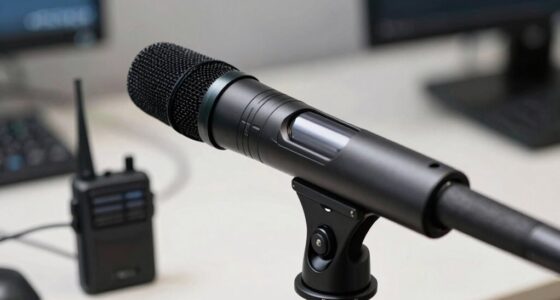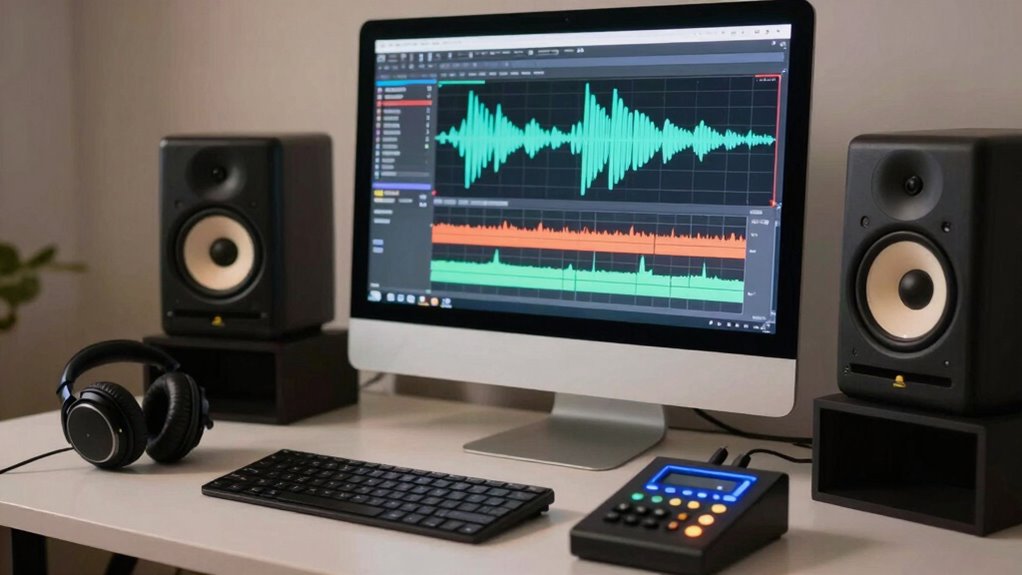

To improve your audio, focus on basic cleanup techniques like noise gating and sound masking. Noise gating automatically mutes background sounds below a certain level, while sound masking adds subtle ambient noise to hide distractions. Adjust these tools carefully to avoid cutting out important parts of your recording. By mastering these simple steps, you’ll create clearer, professional-sounding audio. Keep exploring, and you’ll discover even more ways to enhance your recordings.

Get sports gear delivered free with Prime
- Fast, free delivery on millions of items
- Prime Video, Amazon Music and more included
- Member-only deals all year
Key Takeaways
- Understand the importance of cleaning up audio to improve clarity and professionalism.
- Use sound masking to hide irregular background noises with ambient sounds.
- Apply noise gating to automatically mute sounds below a specific threshold, reducing unwanted noise.
- Analyze recordings carefully to set appropriate thresholds and balance masking and gating effects.
- Focus on producing a balanced, natural sound by minimizing distractions without over-processing.
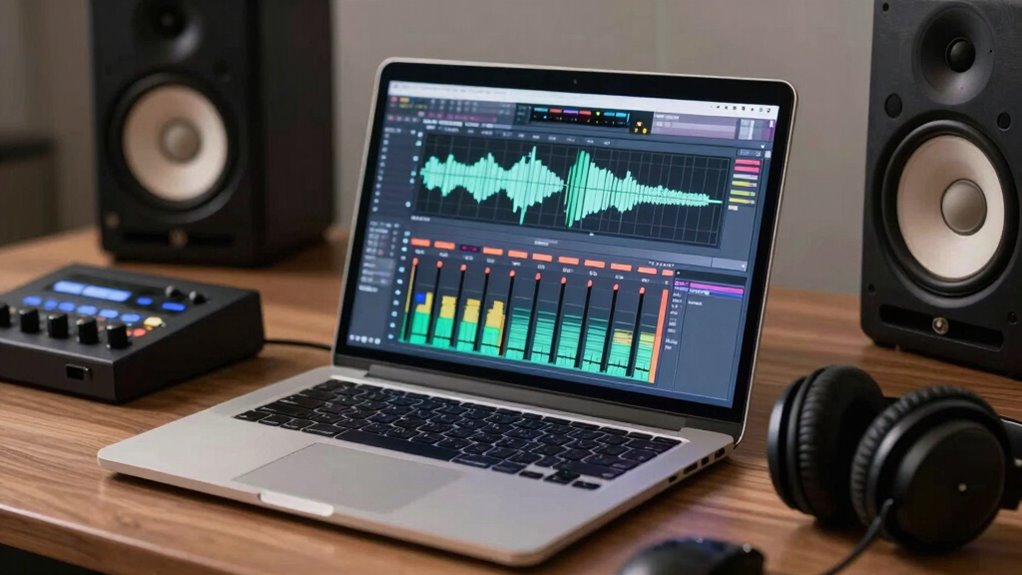
Ever wondered how to make your recordings sound clearer and more professional? The secret often lies in understanding and applying basic audio cleanup techniques. Two essential tools in your audio editing toolkit are sound masking and noise gating. Sound masking involves adding a subtle background noise or ambient sound to hide unwanted noises, making your recordings feel more natural and less distracting. It’s especially useful when dealing with inconsistent or abrupt background sounds that can distract your listeners. Noise gating, on the other hand, is a more direct approach. It works by setting a threshold level so that any sound below that level gets automatically muted or silenced. This prevents unwanted background noises—like hums, hisses, or distant conversations—from creeping into your final audio. When used correctly, noise gating cleans up your recordings without sacrificing the clarity of your main audio source. Additionally, understanding how to manage audio levels can greatly enhance the effectiveness of these techniques and ensure a balanced sound. Developing a keen ear for detecting subtle disturbances can also significantly improve your editing precision.
You’ll want to start by analyzing your recordings to identify common issues. If you notice sporadic background noises that interrupt the flow of speech or music, noise gating can be your first line of defense. Set the threshold just above the level of those unwanted sounds. Be careful not to set it too high, or you risk cutting out softer parts of your main audio, like quiet speech or delicate instrument notes. For more subtle background sounds that are persistent but not overpowering, sound masking can be a game-changer. You might add a gentle, ambient noise—such as a subtle room tone or a soft hum—that masks the irregular noises and makes the overall sound more cohesive. Sound masking helps achieve a natural sound environment, especially in recordings taken in less-than-ideal settings. Moreover, experimenting with different sound masking techniques can help you find the most effective solution for your specific recording environment. Learning how audio environment influences sound quality can guide you in choosing the most suitable masking approach.
Understanding audio cleanup techniques is crucial for achieving professional results, as these methods are designed to improve the overall listening experience. Both sound masking and noise gating require some experimentation to get right. Play around with the settings, listen carefully, and adjust accordingly. Remember, the goal isn’t to eliminate every single noise but to produce a clean, polished audio that feels balanced and professional. These techniques can drastically improve the clarity of your recordings and make them more pleasant to listen to, whether you’re producing podcasts, voiceovers, or music tracks. With practice, you’ll find the perfect balance that minimizes distractions and enhances your audio quality. Mastering these basics will give your recordings a much more professional sound, making your content stand out and keeping your audience engaged.
As an affiliate, we earn on qualifying purchases.
Frequently Asked Questions
How Do I Choose the Right Audio Editing Software?
To choose the right audio editing software, consider your needs for handling different audio formats and your preferred editing workflows. If you work with multiple formats, find software that supports them easily. Look for tools that match your workflow style—whether simple or advanced editing. Try free trials to test user interfaces, features, and compatibility with your device. This helps guarantee smooth editing, saving you time and frustration.
Can Audio Cleanup Improve Voice Clarity in Recordings?
Yes, audio cleanup can greatly improve voice clarity in recordings. By applying voice enhancement techniques, you can make voices sound more natural and prominent. Sound isolation helps reduce background noise and unwanted sounds, creating a cleaner audio environment. Combining these methods guarantees your recordings are clearer, more professional, and easier to understand, making your voice stand out and improving overall audio quality for your audience.
What’s the Difference Between Noise Reduction and Noise Gating?
Noise reduction and noise gating are your sound wave superheroes, battling unwanted noise! Noise reduction gently whispers away background sounds across entire recordings, like a smooth, invisible filter. Noise gating, however, acts like a vigilant gatekeeper, silencing sound waves below a certain volume—perfect for cutting out door creaks or distant chatter. Both tools enhance clarity, but gating is more aggressive, especially when paired with good acoustic treatment for pristine recordings.
How Do I Prevent Background Noise During Recording?
To prevent background noise during recording, focus on proper microphone placement—keep it close to your mouth and away from noise sources. Use soundproofing techniques like foam panels or blankets to absorb ambient sounds. Also, consider turning off fans or HVAC systems and recording in a quiet space. These steps help guarantee your audio remains clear and professional, minimizing unwanted background noise from the start.
Are There Any Free Tools for Professional Audio Cleanup?
Think of free software options as hidden gems waiting to be uncovered. You can clean up your audio like a pro using tools such as Audacity, which offers powerful features for noise reduction and editing at no cost. While professional audio tools tend to come with a price tag, these free options provide many essential features, making them perfect for beginners and hobbyists alike. Jump right in and start polishing your sound today!
sound masking ambient noise machine
As an affiliate, we earn on qualifying purchases.
As an affiliate, we earn on qualifying purchases.
Conclusion
Don’t worry if audio cleanup feels overwhelming at first—practice makes perfect. Remember, even small improvements can make a big difference in your recordings. You might think you need fancy equipment or expert skills, but simple tools and patience are enough to get started. So go ahead, experiment with your audio, and watch your skills grow. Before you know it, you’ll be creating clear, professional-sounding recordings that stand out. Keep at it—you’ve got this!
As an affiliate, we earn on qualifying purchases.
professional noise reduction headphones
As an affiliate, we earn on qualifying purchases.
As an affiliate, we earn on qualifying purchases.
Halloween Picks
halloween
As an affiliate, we earn on qualifying purchases.