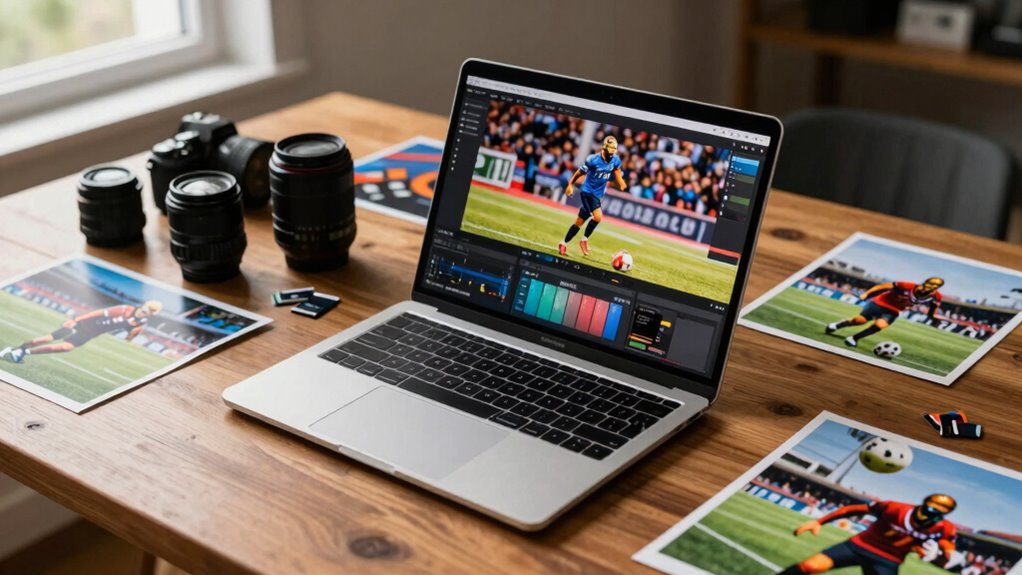

When choosing a laptop for sports photography, focus on a powerful quad-core processor and at least 16GB of RAM for multitasking. Opt for a 512GB SSD for faster file access and storage. Make sure the display offers 100% sRGB coverage for accurate colors. Look for a lightweight, durable model with long battery life to support your mobile workflow. This balance of features prevents overbuying while enhancing your editing efficiency. There’s more to take into account that’ll really help you decide.

Get sports gear delivered free with Prime
- Fast, free delivery on millions of items
- Prime Video, Amazon Music and more included
- Member-only deals all year
Key Takeaways
- Opt for a quad-core processor to ensure smooth multitasking without paying for unnecessary high-end features.
- Choose at least 16GB RAM to handle multiple images and HD video seamlessly, avoiding the need for excessive upgrades.
- Select a laptop with a minimum 512GB SSD for fast access to files and to streamline your workflow efficiently.
- Prioritize a display with at least 100% sRGB coverage for accurate color representation in your sports photography edits.
- Look for a lightweight, durable laptop with long battery life to support mobility during shoots and editing sessions.
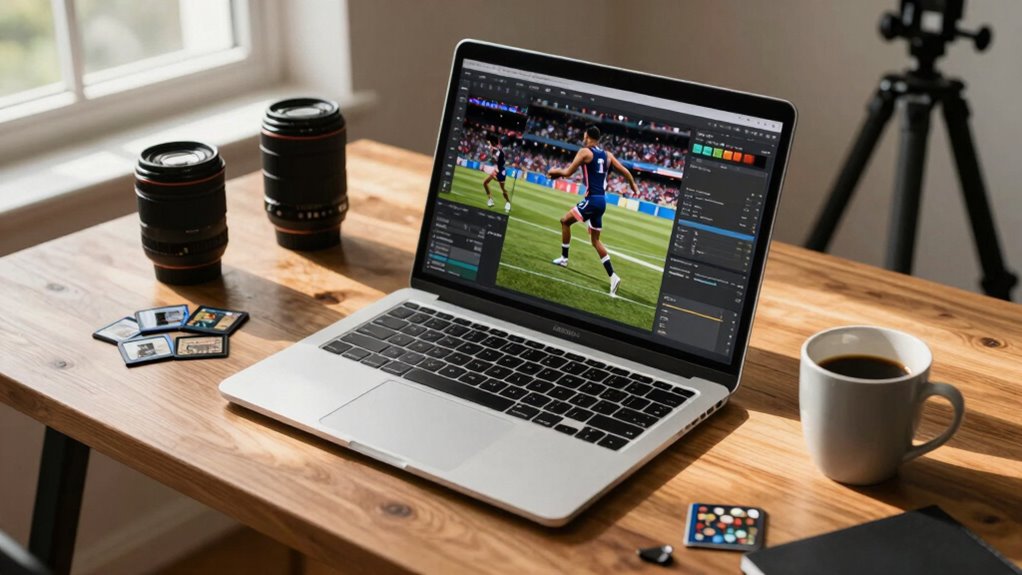
When you’re capturing fast-paced action on the field, your editing laptop needs to keep up just as quickly. You don’t want to miss a moment during your editing process because your hardware can’t handle the demands of high-resolution photos and video. So, how do you choose the right editing laptop without overbuying? Start by focusing on performance benchmarks that matter most for sports photography.
First, consider the processor. A powerful CPU is vital for handling large files and multitasking between editing software. Look for at least a quad-core processor, which should suffice for most editing tasks without breaking the bank. You might see laptops boasting higher specs, but often, you won’t need the absolute latest model for your work. Find a balance between performance and price, making sure you get what you need without paying for unnecessary bells and whistles.
Next, RAM is another important factor. Eight gigabytes may seem adequate, but if you’re working with multiple images or high-definition video, you’ll want to aim for at least 16GB. This will guarantee smooth performance and allow for faster rendering times. Again, while some laptops might offer 32GB or more, evaluate whether you really need that much for your editing style and workflow. Memory capacity plays a crucial role in editing efficiency and overall workflow speed. Additionally, consider how upgradable components can extend your laptop’s lifespan and adaptability to future software updates. Upgrading RAM or storage later can be a cost-effective way to customize your device to your evolving needs.
Storage is just as significant. Solid-state drives (SSDs) are faster than traditional hard drives, which means quicker file access and improved load times. Opt for an SSD of at least 512GB to accommodate your files without relying on external storage too frequently. If you find a laptop that offers a combination of SSD and HDD, that can provide both speed and ample storage without overspending. Remember that storage options can significantly impact your workflow and data management.
Don’t forget the importance of display quality, as this affects how accurately you can edit your photos. You’ll want a laptop with excellent color accuracy, as this guarantees your edits reflect what will be seen in print or online. Look for laptops with at least 100% sRGB coverage. A high-resolution display will also help you see finer details, which is essential for professional results.
Finally, pay attention to the build quality and battery life. You’ll be on the move, so a lightweight, durable laptop that can last through a long day of shooting and editing is vital. With a clear focus on these key features, you’ll find the right laptop that meets your needs without overcommitting your budget. Ultimately, it’s about finding the perfect blend of power, performance, and practicality for your sports photography work.
laptop for sports photography editing
As an affiliate, we earn on qualifying purchases.
As an affiliate, we earn on qualifying purchases.
Frequently Asked Questions
How Crucial Is Battery Life for Sports Photography Editing Laptops?
Battery life’s vital for your sports photography editing laptop. You need battery longevity to handle long shoots or editing sessions without being tethered to a power outlet. If you’re out in the field, power efficiency becomes essential; it guarantees you get the most out of your battery. Look for models with strong battery performance so you can focus on your work instead of worrying about recharging during those intense moments.
What Brands Are Most Reliable for Sports Photography Laptops?
When it comes to reliable brands for sports photography laptops, you can’t go wrong with Apple, Dell, and ASUS. These brands consistently perform well in brand comparisons and often shine in performance benchmarks. Apple’s M1 chip offers impressive speed, while Dell’s XPS line combines power and portability. ASUS’s ROG series caters to high-performance needs. By sticking to these brands, you’ll avoid going down the rabbit hole of overbuying.
Are Refurbished Laptops a Good Option for Photographers?
Yes, refurbished laptops can be a great option for photographers. They often come with significant cost savings, allowing you to invest in better specs without breaking the bank. Plus, many refurbished models undergo rigorous testing, ensuring they perform well. Just make sure you buy from a reputable seller and check for warranties. With the right choice, you’ll get a reliable machine that meets your editing needs without overspending.
How Can I Improve Laptop Performance for Editing Without Upgrading?
You can improve your laptop’s performance for editing by focusing on performance optimization and software management. Start by uninstalling unnecessary programs that slow your system down. Regularly update your software to guarantee efficiency. Optimize your storage by clearing cache and using an external drive for large files. Adjust your power settings to prioritize performance and close background applications while editing. These steps can greatly enhance your workflow without needing an upgrade.
What Accessories Should I Consider for My Editing Laptop?
For your editing laptop, consider investing in external storage solutions to manage large files efficiently. A portable SSD can speed up your workflow considerably. Don’t forget about display calibration tools; they guarantee your colors are accurate, which is vital for editing. Additionally, a comfortable mouse and a quality headset can enhance your editing experience. Together, these accessories can boost your productivity without breaking the bank.
best lightweight durable laptop for photo editing
As an affiliate, we earn on qualifying purchases.
As an affiliate, we earn on qualifying purchases.
Conclusion
In summary, selecting the right editing laptop as a sports photographer isn’t just about power; it’s about finding the perfect balance for your needs. Did you know that 75% of professional photographers cite speed and performance as their top priorities when choosing equipment? By focusing on essential features and avoiding unnecessary upgrades, you can enhance your workflow without breaking the bank. Make informed choices to guarantee your gear works as hard as you do on the field.
high performance laptop with 16GB RAM and SSD
As an affiliate, we earn on qualifying purchases.
As an affiliate, we earn on qualifying purchases.
color accurate display laptop for photographers
As an affiliate, we earn on qualifying purchases.
As an affiliate, we earn on qualifying purchases.
Halloween Picks
halloween
As an affiliate, we earn on qualifying purchases.