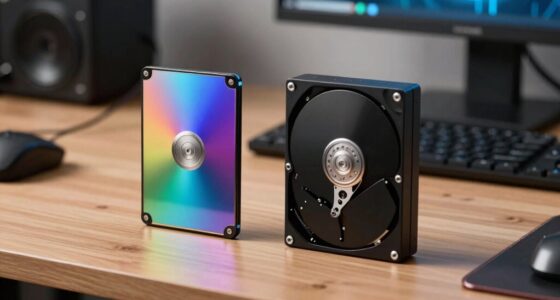
To choose a fast, reliable laptop for video editing, focus on a powerful multi-core CPU (like Intel i7/i9 or AMD Ryzen), at least 16GB RAM, and a fast SSD to speed up load times. Look for a display with wide color gamut support (AdobeRGB or DCI-P3) and high resolution, plus hardware calibration features. Portability and durable build matter if you’re on the move. Keep these factors in mind, and you’ll find the right model to boost your editing speed.

Get sports gear delivered free with Prime
- Fast, free delivery on millions of items
- Prime Video, Amazon Music and more included
- Member-only deals all year
Key Takeaways
- Prioritize a high-performance multi-core CPU and a dedicated GPU for faster rendering and effects processing.
- Opt for at least 16GB of RAM and fast SSD storage to minimize load times and prevent bottlenecks.
- Choose a display with high resolution, wide color gamut support, and hardware calibration for accurate color grading.
- Ensure the laptop has robust connectivity options and sufficient battery life for seamless workflow on the go.
- Balance portability with powerful hardware to maintain speed without sacrificing mobility or productivity.
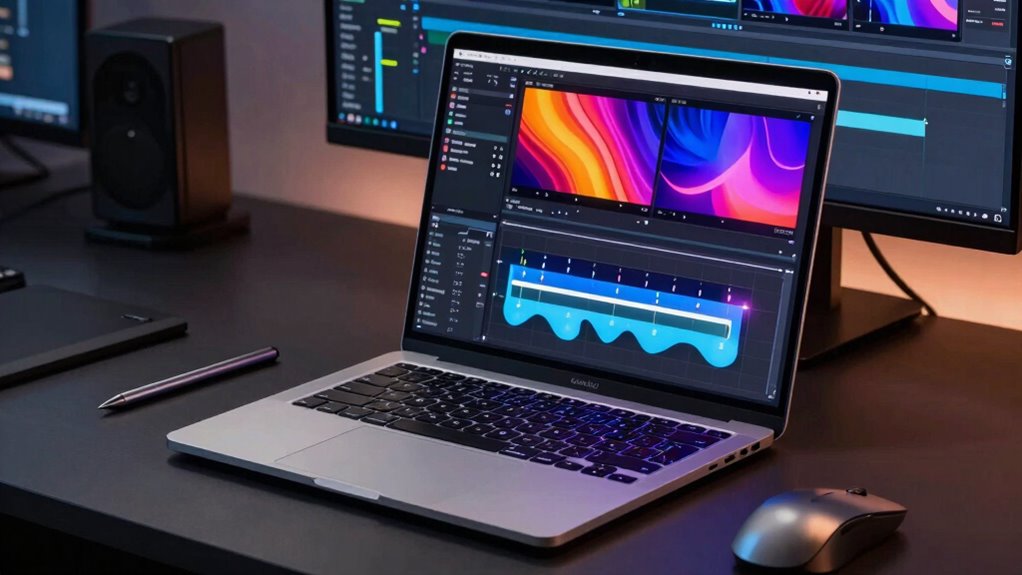
If you’re serious about video editing, choosing the right laptop can make all the difference in your workflow. Speed is essential, but it’s not just about raw processing power; you need a system that supports your entire editing process seamlessly. Start by considering your storage options. Cloud storage has become a game-changer, allowing you to offload large video files and project backups without cluttering your local drive. This enables faster access to your projects and smooth collaboration, especially if you work with a team. Look for laptops with fast SSDs—solid-state drives—because they considerably reduce load times, rendering faster previews, and speeding up exports. Pairing this with reliable cloud storage ensures you’re not bottlenecked by disk space or slow data transfer speeds. Additionally, choosing a laptop with accurate color calibration**** support can significantly improve your editing precision and confidence in your color grading work.
Choosing a laptop with fast SSDs and reliable cloud storage optimizes your video editing workflow efficiently.
Color calibration is another critical factor that might seem secondary but actually impacts your editing accuracy. A laptop with a high-quality display that supports accurate color calibration lets you see true-to-life colors, which is crucial when grading videos. Investing in a laptop with a display that covers a wide color gamut, like AdobeRGB or DCI-P3, ensures your edits will look consistent across different devices and screens. Proper color calibration tools or software can help you fine-tune your monitor so that your color adjustments are precise. This saves you time and prevents the frustration of making corrections later because your initial visual assessments were off. Furthermore, a high-resolution display enhances your ability to see fine details during editing, making your work more precise and efficient. Ensuring your laptop has a suitable viewing angle also helps maintain consistent color accuracy when working in different lighting conditions or with multiple collaborators. Moreover, a well-optimized display can reduce eye strain during long editing sessions, contributing to better productivity and comfort. As technology advances, many modern displays now incorporate hardware calibration features that allow for even more accurate color management without external tools.
Beyond storage and display quality, focus on the processor and RAM. A fast multi-core CPU, such as the latest Intel i7 or i9, or AMD Ryzen equivalents, can handle intensive rendering tasks more efficiently. Ample RAM—preferably 16GB or more—keeps your editing software running smoothly, especially when working with 4K or higher-resolution videos. A powerful GPU also accelerates rendering and effects processing, cutting down waiting times and maintaining your creative flow.
Finally, consider your workflow needs. If you frequently move between locations, portability becomes important, but don’t compromise on power. A balanced combination of speed, storage, display quality, and durability will ensure your laptop supports your editing projects without bottlenecks. Remember, in video editing, speed isn’t just about faster processors; it’s about a coherent system where every component works together efficiently. Prioritize features that enhance your productivity, and your editing process will feel more fluid, precise, and ultimately faster.
high performance laptop for video editing
As an affiliate, we earn on qualifying purchases.
As an affiliate, we earn on qualifying purchases.
Frequently Asked Questions
What Is the Ideal Screen Resolution for Video Editing Laptops?
You should opt for a laptop with at least a 4K resolution for essential video editing. A higher display resolution enhances color accuracy and detail, vital for precise editing work. Consider a display size of 15 to 17 inches for a balance between portability and workspace. This setup allows you to see more of your project clearly, making editing more efficient while maintaining excellent color fidelity.
How Important Is Battery Life for Portable Video Editing?
Think of your laptop as a trusty torch in a dark tunnel—battery life determines how far you can go without losing light. Battery endurance is essential for portable video editing, especially when you’re on the move. Good power management keeps your torch bright longer, ensuring your creative flow isn’t cut short. Prioritize laptops with strong battery life to maintain momentum, so you can focus on editing without constantly searching for power outlets.
Should I Prioritize GPU or CPU for Video Rendering?
You should prioritize GPU performance over CPU processing for video rendering, especially if you work with complex effects or high-resolution footage. A powerful GPU accelerates rendering times considerably, making your workflow smoother. While a strong CPU handles general processing, a high-end GPU specifically boosts rendering speed, so focus on a laptop with a robust graphics card to get the best performance for your video editing projects.
What Are the Best Ports and Connectivity Options for Editing?
Imagine your laptop as a busy highway—smooth traffic flow is essential. Prioritize USB-C and Thunderbolt ports for fast wireless transfer and quick external display connections, ensuring seamless editing. An HDMI port offers straightforward external monitor setup. Multiple ports let you connect external drives, cards, and peripherals effortlessly, reducing delays. Opt for a laptop with versatile connectivity options to keep your workflow uninterrupted, making editing as fluid as a well-orchestrated symphony.
How Much RAM Is Sufficient for 4K Video Editing?
For 4K video editing, you need at least 16GB of RAM capacity to handle large files smoothly, but 32GB is ideal for complex projects. Consider storage options like SSDs for faster read/write speeds, which considerably improve editing performance. Adequate RAM and versatile storage options allow your laptop to process high-resolution footage efficiently, reducing lag and rendering times, so you can focus on creating without technical frustrations.
As an affiliate, we earn on qualifying purchases.
Conclusion
When choosing a laptop for video editing, remember that speed isn’t just a feature—it’s your secret weapon. The right machine can turn hours of work into minutes, making your editing process feel like a breeze through a summer breeze on a scorching day. Prioritize powerful specs like a fast processor, ample RAM, and a high-quality GPU. Don’t settle for anything less, or you’ll be stuck in the slow lane while your projects race ahead like a rocket on launch day.
laptop with fast SSD and 16GB RAM
As an affiliate, we earn on qualifying purchases.
As an affiliate, we earn on qualifying purchases.
color calibration monitor for video editing
As an affiliate, we earn on qualifying purchases.
As an affiliate, we earn on qualifying purchases.
Fall Picks
fall essentials
As an affiliate, we earn on qualifying purchases.