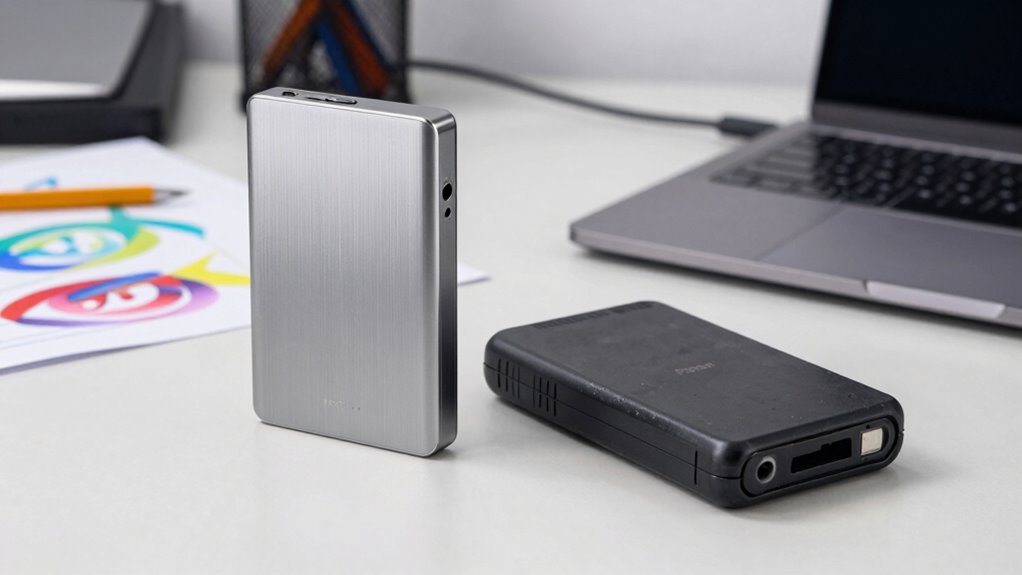

When you’re a creator, the difference between cheap and premium portable SSDs is significant. Premium options offer faster speeds and better durability, ensuring quick file access and reliability. Cheap SSDs can slow you down and increase the risk of data loss due to lower-quality materials. Investing in a premium SSD lets you focus on your creative process without worrying about your gear. Stick around to discover how to choose the right SSD for your needs.
Key Takeaways
- Speed Performance: Premium SSDs offer significantly faster read and write speeds, reducing file transfer times and enhancing the editing experience.
- Durability: Premium SSDs are constructed with high-quality materials, providing better resistance to shocks and extreme conditions, ideal for on-location use.
- Reliability: Cheap SSDs may fail more frequently, while premium SSDs ensure data integrity and minimize risks of data loss during creative projects.
- Warranty and Support: Premium brands typically provide extended warranties and reliable customer support, offering peace of mind and quick resolutions to any issues.
- Technology Standards: Premium SSDs often adhere to the latest technology standards, ensuring compatibility and ongoing performance improvements, making them a more reliable investment.
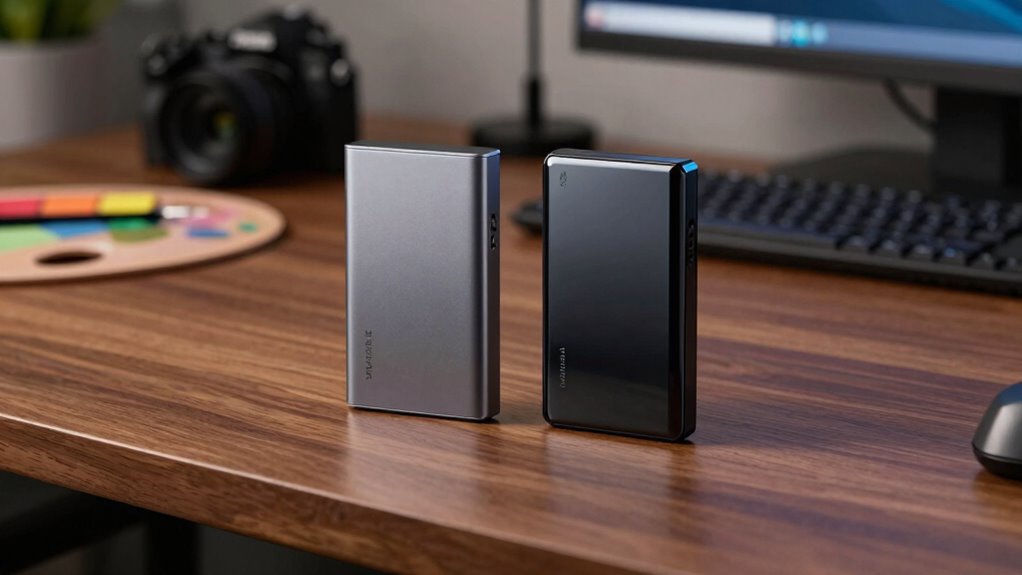
As you immerse yourself in your creative projects, having reliable storage is essential. When you’re working on high-resolution videos or large graphic files, the difference between cheap and premium portable SSDs becomes glaringly apparent. You want something that not only stores your data but also enhances your workflow. Speed performance and durability factors play a massive role in this.
Cheap SSDs might save you a few bucks upfront, but they often compromise on speed. You might find yourself waiting longer for files to transfer or load, which can be frustrating, especially during tight deadlines. Premium SSDs typically offer remarkably faster read and write speeds, allowing you to access your files almost instantaneously. Imagine editing a video without the constant lag or interruptions. The efficiency gained from a premium SSD can completely change your creative process, making it smoother and far more enjoyable.
Cheap SSDs may seem appealing, but their slow speeds can hinder your creative process—premium models deliver the efficiency you need.
Durability factors are equally important. Cheap SSDs often use lower-quality materials, which can lead to a higher risk of failure. If your drive fails, you risk losing hours, if not days, of hard work. Premium SSDs, on the other hand, are built to last. They often come with better casing and are resistant to shocks, water, and extreme temperatures. When you’re on location shooting a documentary or working in a bustling café, the last thing you want to worry about is whether your storage can handle the environment. Investing in a durable SSD means you can focus on your creativity instead of fretting over data loss. Additionally, reliable storage solutions are often associated with premium brands, providing added confidence in your investment. Understanding technology standards behind SSDs can also help you make a more informed decision and ensure compatibility with your devices. Reliable storage solutions are often associated with premium brands, providing added confidence in your investment.
Another aspect to reflect on is the warranty and customer support that come with your SSD purchase. Premium brands usually offer extended warranties and reliable customer service, giving you peace of mind. If something goes wrong, you’ll appreciate having a support system that can assist you quickly. Cheap drives often skimp on this, leaving you to fend for yourself if issues arise. Furthermore, understanding the technology standards behind SSDs can help you make a more informed decision and ensure compatibility with your devices. Reliable storage solutions are often associated with premium brands, providing added confidence in your investment. Ultimately, choosing a reputable brand can also mean access to updated firmware and ongoing improvements that keep your drive performing at its best over time.

SANDISK 1TB Creator Phone SSD – Up to 1,000 MB/s – Compatible with MagSafe for Your USB-C Smartphone – Shoot in ProRes with iPhone 15 Pro/Pro Max and iPhone 16 Pro/Pro Max – SDSSDE62C-1T00-G25
- Speed: Up to 1000MB/s read, 950MB/s write
- Storage Capacity: Available in 1TB and 2TB options
- Compatibility: Works with Windows, macOS, iOS, Android
As an affiliate, we earn on qualifying purchases.
As an affiliate, we earn on qualifying purchases.
Frequently Asked Questions
How Do Portable SSDS Affect Battery Life on Laptops?
Portable SSDs can impact your laptop’s battery life, especially during data transfer. If you’re using a high-speed SSD, it might drain your battery faster due to the increased power needed for quick data access. In a speed comparison, cheaper SSDs may consume less power but could take longer to transfer files. Ultimately, balancing speed and battery efficiency is key when choosing an SSD that fits your needs while preserving battery life.
Can I Use a Portable SSD With Gaming Consoles?
Absolutely, you can use a portable SSD with gaming consoles! Imagine boosting your gaming performance to legendary levels just by plugging in a sleek, speedy drive. With the right SSD, you’ll experience lightning-fast load times and a massive storage capacity that can hold your entire game library. Say goodbye to those agonizing wait times! Whether you’re on a PlayStation or Xbox, you’re set for an epic gaming adventure that never ends.
What Formats Are Compatible With Portable SSDS?
Most portable SSDs support common file formats like NTFS, exFAT, and FAT32, so you won’t run into SSD compatibility issues with most devices. If you’re using it with gaming consoles or different operating systems, make certain to format the SSD accordingly. For instance, exFAT works well across various platforms. Always check your device requirements to guarantee seamless compatibility and avoid frustrating errors when you’re ready to transfer your files.
Are Portable SSDS Waterproof or Shockproof?
While you might picture your portable SSD sailing through a rainstorm unscathed, the reality varies. Many models boast water resistance benefits, but not all are waterproof. Similarly, shockproof designs offer durability, protecting against drops, but they’re not invincible. When comparing durability, premium SSDs often feature better materials and construction, guaranteeing they withstand harsher conditions. If you need robust options, always check the specifications to confirm they meet your adventure’s demands.
How Often Should I Back up My Data on SSDS?
You should back up your data on SSDs at least once a week to guarantee data redundancy. Depending on your usage, you might want to increase that frequency if you’re creating or modifying large amounts of data regularly. Regular backups help prevent loss from unexpected failures or accidents, keeping your work safe and accessible. Don’t wait until it’s too late—make backups a routine part of your workflow!

SANDISK 2TB Extreme Portable SSD (Old Model) – Up to 1050MB/s, USB-C, USB 3.2 Gen 2, IP65 Water and Dust Resistance, Updated Firmware – External Solid State Drive – SDSSDE61-2T00-G25
- High-speed NVMe Performance: Up to 1050MB/s read, 1000MB/s write
- Durable and Water-resistant: IP65 rated, 3-meter drop protection
- Portable and Secure: Includes carabiner loop for attachment
As an affiliate, we earn on qualifying purchases.
As an affiliate, we earn on qualifying purchases.
Conclusion
In the domain of creativity, choosing between cheap and premium portable SSDs is like picking between a flickering candle and a blazing bonfire. You want your ideas to flow freely, not get trapped in slow speeds or limited durability. Investing in a premium SSD is like giving your creativity wings, allowing you to soar through projects without the weight of worry. So, when you’re ready to elevate your craft, remember: quality fuels inspiration. Choose wisely, and let your imagination run wild!

Lexar D70E 1TB Dual Drive External SSD, Up to 2000MB/s Read 1800MB/s Write
- Compatibility: Supports Mac, PC, tablets, and mobile devices
- Transfer Speed: Up to 2000MB/s read, 1800MB/s write
- Storage Capacity: Up to 2TB of portable storage
As an affiliate, we earn on qualifying purchases.
As an affiliate, we earn on qualifying purchases.

Western Digital 1TB P40 Game Drive SSD – Up to 2,000MB/s, RGB Lighting, Portable External Solid State Drive , Compatible with Playstation, Xbox, PC, & Mac – WDBAWY0010BBK-WESN
- RGB Lighting Customization: Personalize with WD_BLACK Dashboard (Windows)
- High-Speed Data Transfer: Up to 2,000MB/s with USB 3.2 Gen2x2
- Wide Compatibility: Works with PS5, Xbox Series X|S, PS4, Xbox One, PC, Mac
As an affiliate, we earn on qualifying purchases.
As an affiliate, we earn on qualifying purchases.