Many creators miss that monitor calibration isn’t a one-time task but an ongoing process. Regular checks are essential because displays drift over time due to aging, temperature, or software updates. You also need to control your workspace lighting, as ambient light influences color accuracy. Properly setting display parameters before calibration is critical, too. If you want your colors to stay true and consistent, understanding the full calibration cycle is key—stick around to learn more.

Get sports gear delivered free with Prime
- Fast, free delivery on millions of items
- Prime Video, Amazon Music and more included
- Member-only deals all year
Key Takeaways
- Many creators neglect the need for regular re-calibration to account for monitor drift over time.
- Proper display settings like brightness and gamma must be optimized before calibration begins.
- Ambient lighting and environment control are often overlooked, impacting calibration accuracy.
- Relying on inexpensive calibration tools can lead to inaccurate color representation.
- Calibration is an ongoing process, not a one-time setup, crucial for maintaining consistent color fidelity.
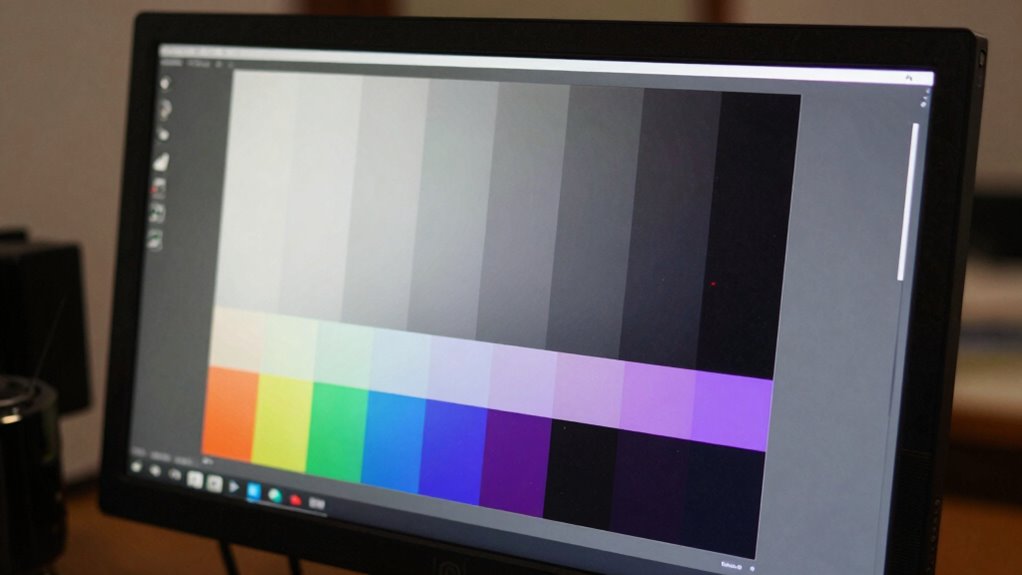
Calibrating your monitor is a essential step in guaranteeing your display accurately represents colors and details, whether you’re editing photos, designing graphics, or simply enjoying movies. Many creators focus on the calibration process itself, but what often gets overlooked is the importance of understanding what true calibration means for their workflow. Achieving ideal color accuracy isn’t just about running calibration tools; it’s about knowing what results to expect and how to maintain them over time.
A common mistake is trusting the initial calibration without taking into account the need for regular re-evaluation. Monitors can drift from their calibrated state due to aging, temperature changes, or even software updates. You might think that once your calibration looks good, it stays that way. But in reality, continuous monitoring and periodic recalibration ensure your display remains consistent. This is especially essential when your work demands precise color reproduction, such as in professional photography or digital art.
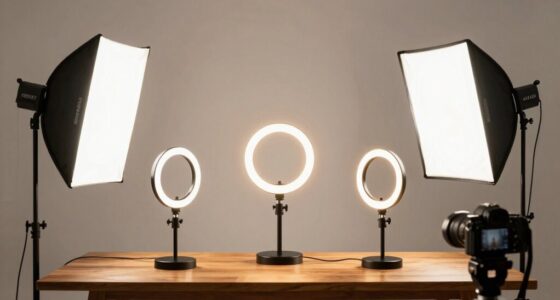
Another missed point is understanding the limitations of calibration tools. While many creators rely on inexpensive or built-in calibration options, these tools can vary greatly in accuracy. High-quality calibration devices provide more dependable results, but even the best tools can’t compensate for poorly managed display environments. Ambient light, for example, plays a big role in how colors appear on your screen. If your room lighting fluctuates or isn’t controlled, your calibration efforts might be rendered ineffective. You need to take into account your workspace environment and use calibration tools in a controlled setting to get the most accurate results. Proper workspace lighting is crucial for achieving consistent calibration outcomes. Additionally, understanding how ambient light conditions influence color perception can help you better interpret calibration results and adjustments.
Many creators also underestimate the importance of proper display settings before calibration. Brightness, contrast, and other parameters should be optimized beforehand. Failing to do so can lead to skewed results, where calibration only masks underlying display issues instead of correcting them. Additionally, understanding the significance of gamma settings can make a big difference in achieving accurate color reproduction. It’s also beneficial to familiarize yourself with display calibration best practices to ensure you’re setting up your monitor correctly from the start.
Finally, a lot of creators overlook the importance of creating and working within a color-managed workflow. Calibration isn’t a one-and-done task; it’s part of a larger process that involves consistent profile management, working in color spaces that suit your project, and ensuring your output matches your display’s capabilities. Recognizing this interconnected process helps you avoid common pitfalls and guarantees your creative work genuinely reflects your vision. Furthermore, being aware of how monitor calibration fits into your overall workflow allows you to consistently produce work that aligns with your creative intent.
In short, most creators miss that monitor calibration is an ongoing process that combines the right tools, proper environment, and workflow discipline. It’s not enough to just calibrate once; maintaining color accuracy means understanding what calibration accomplishes and respecting its limitations.
Frequently Asked Questions
How Often Should I Recalibrate My Monitor?
You should recalibrate your monitor every 4 to 6 weeks to keep color temperature accurate, especially if ambient lighting changes often. Regular calibration guarantees your colors stay consistent, giving you a true representation of your work. If your workspace’s ambient lighting shifts or you notice color inconsistencies, recalibrate sooner. Consistent calibration helps maintain color accuracy, so your images look right across different devices and environments.
Can Calibration Improve Gaming Performance?
Calibration can definitely improve your gaming performance by enhancing color consistency and brightness uniformity, making visuals more accurate and immersive. Studies show that properly calibrated monitors reduce eye strain and provide quicker response times, giving you a competitive edge. When you calibrate regularly, you’ll notice sharper images and better contrast, helping you spot enemies faster and react more precisely, ultimately elevating your overall gaming experience.
What Tools Are Best for Monitor Calibration?
You should use calibration hardware like colorimeters or spectrophotometers for accurate results. These tools help you create precise color profiles tailored to your monitor, ensuring consistent color accuracy. Automatic calibration software guides you through the process, making it easier to fine-tune your display. By investing in quality calibration hardware, you’ll achieve better color fidelity, which benefits your creative work and enhances your viewing experience.
Does Calibration Affect Print Color Accuracy?
Yes, calibration can considerably improve print color accuracy. Without it, your monitor might display inconsistent colors, leaving you guessing how your work will look when printed. Proper calibration ensures color consistency and display uniformity, so what you see on-screen closely matches the final print. This alignment helps you make precise adjustments, reducing surprises and ensuring your printed work matches your creative vision perfectly.
Is Calibration Necessary for Professional Photo Editing?
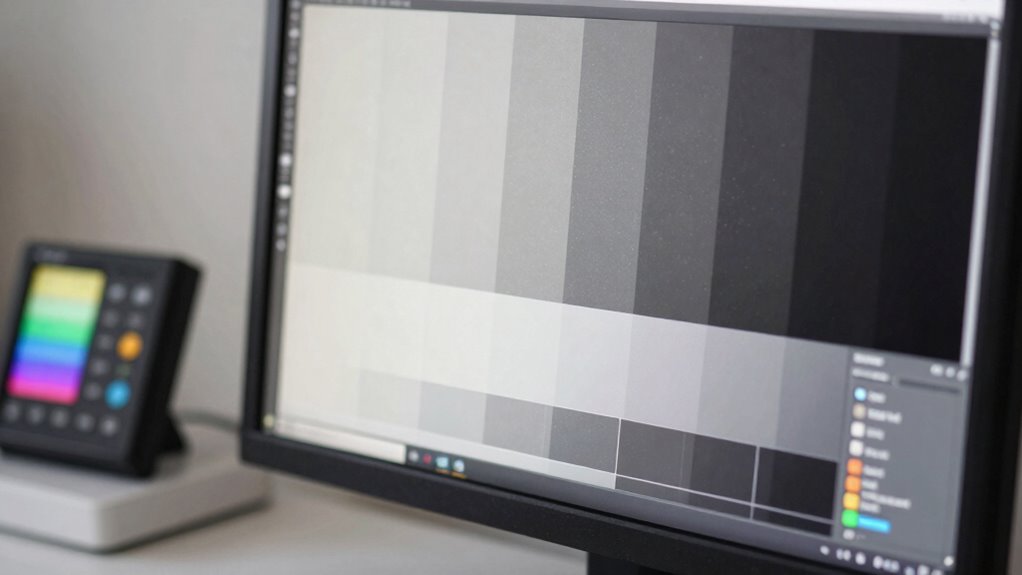
Yes, calibration is essential for professional photo editing. You need to set a consistent color temperature to make certain your display shows accurate colors, which helps in making precise adjustments. Grayscale accuracy is equally important because it affects tonal balance and contrast. Without proper calibration, you’ll risk color shifts and inaccurate tones, making your edits unreliable for print or digital output. Regular calibration keeps your monitor’s display true to life.
Conclusion
Understanding monitor calibration isn’t just about technical settings; it’s about trusting your visuals to reflect reality. Many creators overlook that proper calibration aligns your display with standardized color profiles, ensuring consistency across devices and mediums. Remarkably, some experts argue that perfect calibration might be unattainable due to inherent display limitations. Yet, aiming for an accurate baseline greatly improves your work’s quality. So, don’t dismiss calibration—it’s the foundation that elevates your creative projects to professional standards.
NFL season / tailgating Picks
team gear
As an affiliate, we earn on qualifying purchases.