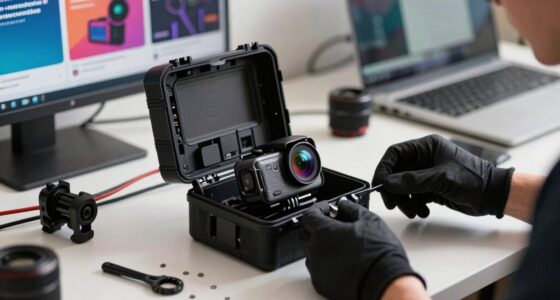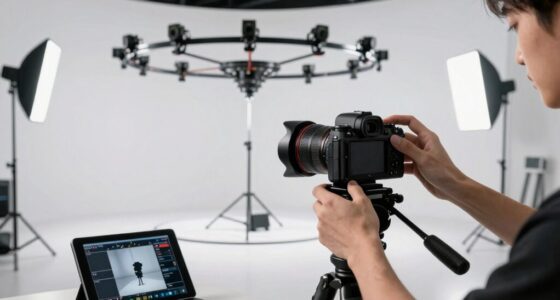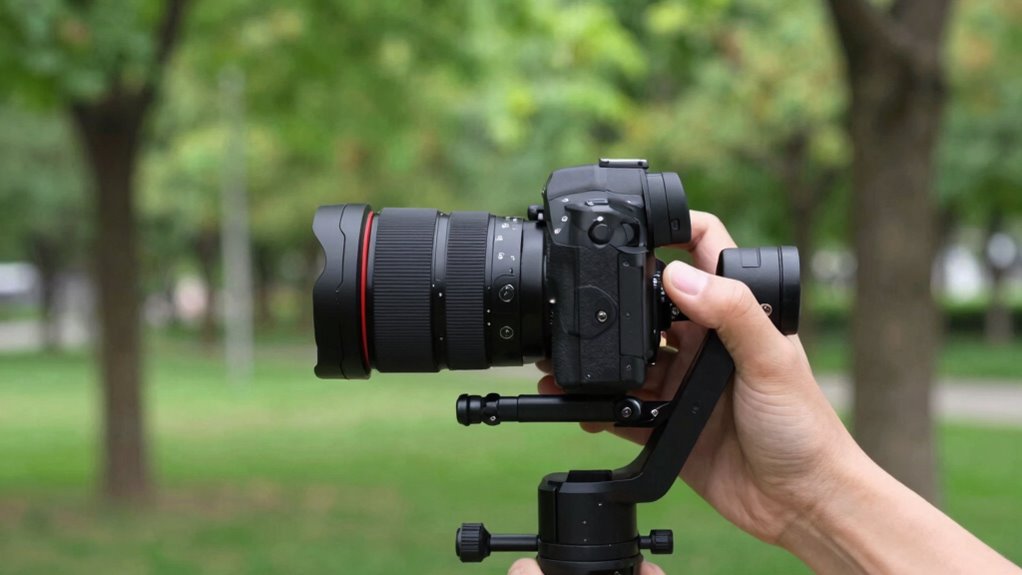

To avoid viewer fatigue in POV footage, focus on steady handling with stabilization tools like gimbals or built-in features. Plan your shots carefully, using varied shot lengths and pacing to create rhythm and break monotony. Frame scenes thoughtfully to guide focus, and use lighting for comfort. Limit rapid movements and excessive cuts to keep the experience smooth and immersive. Keep these tips in mind, and you’ll learn how to make your footage much more engaging and comfortable for viewers.

Get sports gear delivered free with Prime
- Fast, free delivery on millions of items
- Prime Video, Amazon Music and more included
- Member-only deals all year
Key Takeaways
- Use stabilization tools and techniques to ensure smooth, steady footage, preventing distracting jitters.
- Incorporate deliberate pacing with varied shot lengths and well-timed cuts to maintain viewer engagement.
- Plan shot composition and framing to guide focus and reduce cognitive overload.
- Optimize lighting and framing for clarity and comfort, avoiding harsh or uneven illumination.
- Balance movement and editing by limiting excessive camera shifts and rapid cuts to create a natural flow.
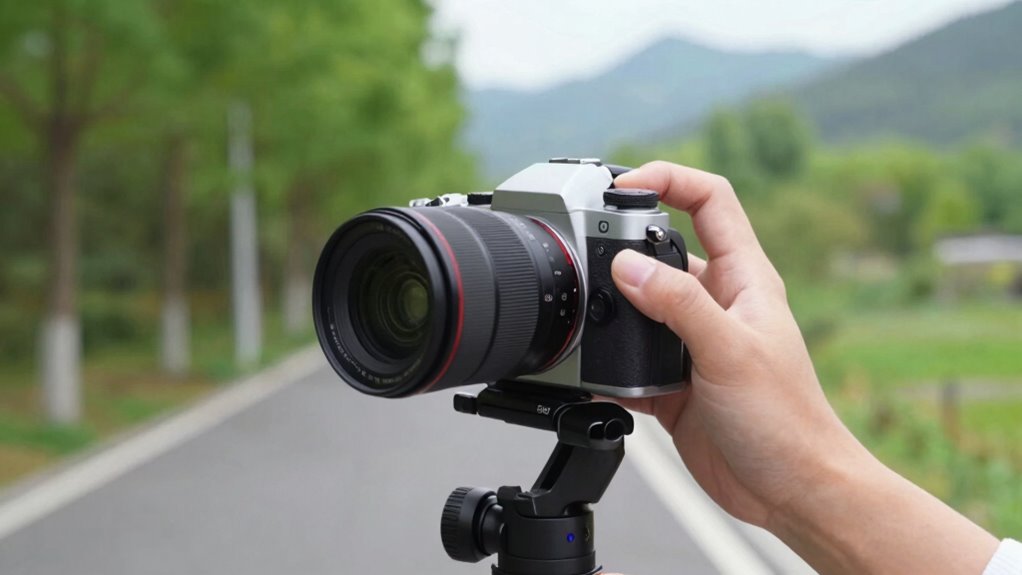
Point-of-view (POV) footage can immerse viewers in your experience, but it also risks causing fatigue if not handled carefully. To keep your audience engaged without overwhelming them, you need to prioritize camera stabilization. Shaky footage quickly becomes uncomfortable, so invest in good stabilization tools, like gimbals or steadicams, to guarantee smooth movement. Even minor jitters can distract viewers and make it hard for them to focus on the story you’re telling. Practice steady handling of your camera, and consider using stabilization features available on many modern devices. When you move, do so deliberately, avoiding sudden jerks or rapid shifts, which contribute to viewer discomfort.
Prioritize camera stabilization to ensure smooth footage and keep viewers comfortable and engaged.
Another essential factor is pacing techniques. The rhythm of your shots directly influences how viewers process your footage. Avoid long, unbroken shots that can make viewers feel trapped or bored. Instead, break up scenes with well-timed cuts or camera movements that keep the action flowing. Consider varying shot lengths—alternating between quick, dynamic clips and longer, more contemplative moments—to create a natural rhythm that matches the energy of your content. Use pacing to build suspense or give viewers a moment to breathe, preventing fatigue from rapid-fire editing or sluggish, overly drawn-out scenes. Incorporating camera stabilization techniques and varying your shot structure can significantly enhance viewer comfort. Additionally, understanding the importance of shot composition can help in guiding viewers’ focus and reducing cognitive overload. Planning your shots beforehand allows you to manage scene pacing more effectively, ensuring a smoother viewer experience. Being mindful of visual hierarchy in your framing can also help direct viewers’ attention effortlessly across the scene.
Lighting and framing also play important roles in maintaining viewer comfort. Well-lit scenes reduce strain on the eyes, and thoughtful framing guides viewers’ focus, making it easier for them to follow your story without feeling overwhelmed. When you combine camera stabilization with effective pacing techniques, you create a more polished and comfortable viewing experience. Don’t forget to plan your shots ahead of time; knowing when to slow down or accelerate your footage helps maintain a natural flow and prevents abrupt or disorienting transitions.
Finally, keep in mind that less is often more. Overloading your footage with constant movement or excessive cuts can cause fatigue. Use stabilization and pacing deliberately to craft a smooth, engaging narrative rather than relying on frenetic camera work or rapid edits. When you balance these elements carefully, your POV footage will draw viewers in, offering an immersive experience without exhausting them. Remember, the goal is to share your journey—make it accessible and enjoyable, and your audience will thank you for it.
camera gimbal stabilizer for POV filming
As an affiliate, we earn on qualifying purchases.
As an affiliate, we earn on qualifying purchases.
Frequently Asked Questions
What Equipment Reduces POV Viewer Fatigue the Most?
To reduce POV viewer fatigue, prioritize camera stabilization and lens selection. Use gimbals or stabilizers to keep footage smooth and steady, avoiding shaky visuals that strain the eyes. Choose lenses with appropriate focal lengths—wide-angle for immersive shots, but avoid overly wide or distorted lenses. Proper stabilization and thoughtful lens selection help maintain viewer comfort, making your footage more engaging and less tiring to watch.
How Does Pacing Impact Viewer Engagement in POV Videos?
You’ll find that pacing notably boosts viewer engagement—statistics show videos with well-timed pacing retain viewers 30% longer. In POV footage, pacing shapes your visual storytelling and emotional rhythm, keeping viewers immersed without overwhelming them. By adjusting shot lengths and shifts, you create a natural flow that guides emotions smoothly. Effective pacing guarantees your audience stays connected, making every moment feel purposeful and compelling.
Are There Specific Editing Techniques to Lessen Fatigue?
Yes, you can lessen fatigue by using strategic editing techniques. Apply subtle color grading to create a consistent, visually pleasing tone that reduces eye strain. Focus on shot composition by alternating wide and close-up shots to keep viewers engaged and prevent monotony. Smooth progressions and gentle pacing also help maintain interest, ensuring your POV footage feels dynamic without overwhelming your audience.
What Role Does Audio Play in Viewer Fatigue?
Audio plays a vital role in viewer fatigue by setting the mood and maintaining immersion. You should minimize distracting ambient noise and guarantee sound synchronization with your visuals, so viewers stay engaged without strain. Clear, well-balanced audio helps prevent fatigue caused by mismatched or overwhelming sounds. When you pay attention to these details, viewers find it easier to stay focused, making your POV footage more comfortable and enjoyable to watch.
How Can Viewer Feedback Improve POV Footage?
You can improve your POV footage by actively listening to viewer feedback, which fosters viewer empathy and helps you understand their preferences. Use this insight to diversify your content variety, keeping your audience engaged and preventing fatigue. Encourage open communication, ask for constructive critiques, and adapt your style accordingly. This approach not only boosts viewer satisfaction but also refines your skills, making your footage more compelling and less monotonous.
handheld steadicam for action footage
As an affiliate, we earn on qualifying purchases.
As an affiliate, we earn on qualifying purchases.
Conclusion
By following these tips, you’ll keep your viewers glued to the screen without causing eye strain or boredom. Remember, boring footage is like watching paint dry—so avoid repetitive shots, shaky movements, and overly long takes. Instead, craft dynamic, engaging scenes that captivate your audience. With a little practice, your POV footage will become as addictive as a blockbuster movie, leaving viewers enthusiastic for more and wondering how you pulled off such a seamless experience!
professional lighting for video recording
As an affiliate, we earn on qualifying purchases.
As an affiliate, we earn on qualifying purchases.
video editing software with pacing tools
As an affiliate, we earn on qualifying purchases.
As an affiliate, we earn on qualifying purchases.
Halloween Picks
halloween
As an affiliate, we earn on qualifying purchases.