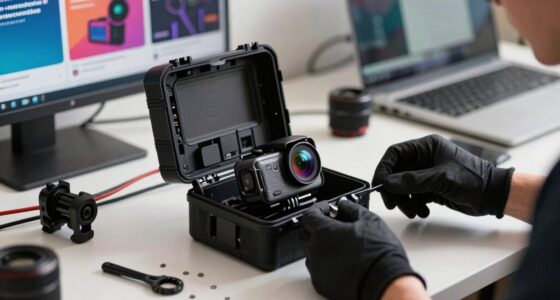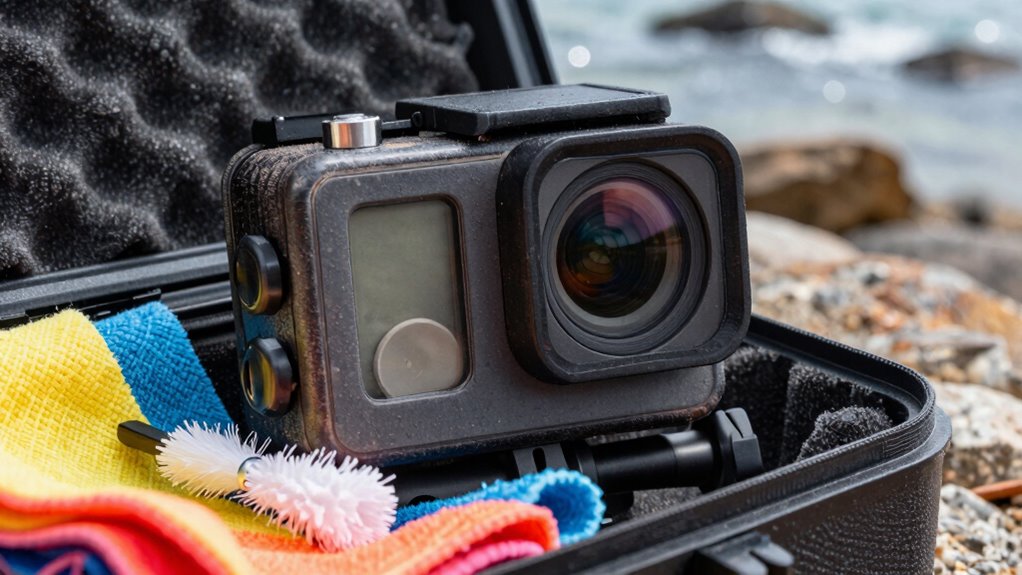

To keep your action camera lenses scratch-free, clean them after every use with a soft microfiber cloth and a gentle lens cleaner or distilled water. Always install a high-quality UV or protective filter, and keep it clean and secure when not filming. Store your camera in a protective case and handle it carefully, especially outdoors. Regular inspection and maintenance help prevent damage. Stick with these tips, and you’ll discover more ways to protect your gear effectively.

Get sports gear delivered free with Prime
- Fast, free delivery on millions of items
- Prime Video, Amazon Music and more included
- Member-only deals all year
Key Takeaways
- Always clean the lens with a soft microfiber cloth after each use to remove dirt and fingerprints.
- Attach a high-quality protective filter to prevent scratches on the lens surface.
- Store the camera in a padded case when not in use to avoid accidental damage.
- Avoid touching the lens directly and handle the camera carefully during outdoor activities.
- Regularly inspect and maintain both the lens and protective filter for damage or wear.
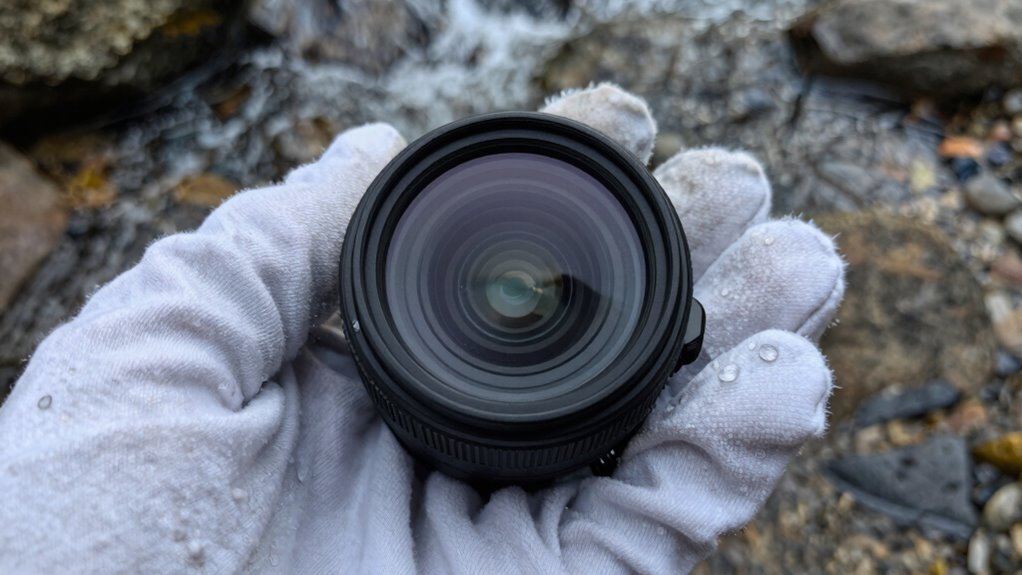
Your action camera lens is the gateway to capturing clear, high-quality footage, so taking proper care of it is essential. The first step in maintaining your lens is regular lens cleaning. Dirt, smudges, and fingerprints can easily diminish your footage quality, so you should clean your lens after every use, especially if you’ve been in dusty or humid environments. Use a soft, microfiber cloth designed for camera lenses to gently wipe away any debris or smudges. Avoid using rough materials like paper towels or your shirt, as they can scratch the surface. If stubborn dirt won’t come off with dry wiping, lightly dampen the cloth with lens cleaning solution or distilled water. Never apply liquid directly to the lens, and don’t use harsh chemicals that could damage the coating. Proper lens cleaning keeps your footage sharp and prevents scratches that can distort images over time. Additionally, using protective filters is an effective way to shield your lens from physical damage during outdoor shoots. protective filters are another smart investment to keep your action camera lens scratch-free. These filters act as a barrier, safeguarding your lens from scratches, dust, and minor impacts. Installing a high-quality UV or clear protective filter over your lens forms a physical shield that’s much easier to replace than the entire lens itself. When attaching a protective filter, ensure it’s clean and free of dust before screwing it onto your camera. This prevents trapping debris between the filter and the lens, which could cause scratches or smudges. When not filming, keep the protective filter on to prevent accidental scratches, especially when you’re in rough or outdoor environments. If your filter gets dirty, clean it with the same gentle method used for your lens—soft cloth and mild cleaning solution—so you don’t compromise its clarity. Remember, a scratched protective filter is much easier and cheaper to replace than a scratched lens. Be mindful of how you handle your camera. Always store it in a protective case when not in use, and avoid touching the lens surface unnecessarily. Regularly inspecting and maintaining your equipment helps prevent long-term damage and ensures optimal performance. Proper storage in protective cases also plays a crucial role in preventing damage during transport and storage. It’s also wise to check your lens coating periodically for signs of wear or damage, which can affect image quality. When you’re ready to shoot, check that the protective filter is securely attached, and give the lens a quick wipe if needed before capturing footage. By combining diligent lens cleaning practices with the use of quality protective filters, you considerably reduce the risk of scratches and damage. This simple routine will extend your camera’s lifespan and ensure your footage remains crisp and professional-looking. Ultimately, a bit of regular maintenance and thoughtful protection go a long way in keeping your action camera lens in pristine condition, so you can focus on capturing your adventures without worry.
action camera lens protective filter
As an affiliate, we earn on qualifying purchases.
As an affiliate, we earn on qualifying purchases.
Frequently Asked Questions
Can I Use Household Glass Cleaner on My Action Camera Lens?
You shouldn’t use household glass cleaner on your action camera lens. These cleaners often contain harsh chemicals that can damage the lens’s protective coatings, leading to reduced clarity and potential scratches. Stick to lens cleaning solutions specifically designed for camera lenses, and use a soft microfiber cloth. Regular lens cleaning helps maintain clear images and preserves the lens’s protective coatings, ensuring your action camera performs well over time.
How Often Should I Replace the Lens Protector?
Think of your lens protector as a fragile shield against a battlefield; its strength relies on timely replacements. You should replace your lens protector when you notice scratches, cloudiness, or a decrease in clarity, usually every few months depending on usage. Prioritize lens durability and protector lifespan to keep your camera crystal clear. Regular checks guarantee your lens stays pristine, just like a well-maintained armor guarding your footage from harm.
Are There Specific Cases That Prevent Scratches Better?
Yes, certain cases offer better protection against scratches. Look for ones with high-quality protective coatings that absorb impacts and resist abrasions. These cases often feature reinforced edges and soft inner linings that help prevent lens scratches during lens cleaning or accidental bumps. When choosing a case, prioritize those designed specifically for your camera model, ensuring a snug fit that minimizes movement and keeps the lens safe from scratches and environmental damage.
What Is the Best Way to Remove Fingerprints Without Scratching?
Think of your lens like a delicate mirror; you wouldn’t scrub it harshly. For fingerprint removal, gently use a microfiber cloth designed for lens cleaning. Lightly mist the cloth with a specialized lens cleaner, avoiding harsh chemicals. I once used a soft, damp cloth to clean my camera lens, and it worked perfectly without scratches. Always prioritize gentle, consistent lens cleaning to preserve clarity and avoid damage.
Can Scratches on the Lens Be Repaired or Polished Out?
Scratches on your lens are tough to fully repair, but you can often improve them with proper scratch repair techniques. Avoid aggressive polishing, as it can damage lens coatings. Use a gentle, specialized lens polish designed for scratch removal, and always follow the manufacturer’s instructions. Keep in mind, deeper scratches might be permanent, but maintaining your lens with proper care helps preserve its clarity and prevents new damage.
microfiber cloth for camera lenses
As an affiliate, we earn on qualifying purchases.
As an affiliate, we earn on qualifying purchases.
Conclusion
So, there you have it—your grand plan to keep those precious action camera lenses pristine. Because nothing screams adventure like spending more time hunting for scratched-up footage than actually capturing epic moments. But hey, if you prefer the thrill of a tiny, unavoidable scuff ruining your shot, go ahead and ignore these tips. After all, who needs clear footage when you can have the thrill of the unknown every time you review your clips?
As an affiliate, we earn on qualifying purchases.
As an affiliate, we earn on qualifying purchases.
Fall Picks
fall essentials
As an affiliate, we earn on qualifying purchases.