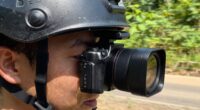
To prevent your action camera from overheating during critical moments, lower the resolution and frame rate, turn off unnecessary features like Wi-Fi or GPS, and keep it in shaded, well-ventilated areas. Mount the camera away from direct sunlight and reflective surfaces, and consider using cooling accessories like fans or heat sinks. Making these adjustments helps your camera stay cool and reliable when every second counts. For more effective tips, explore further strategies inside.

Get sports gear delivered free — and shop member deals
- Fast, free delivery on millions of items
- Access to Prime Big Deal Days deals on October 6–7
- Prime Video, Amazon Music and more included
Key Takeaways
- Lower recording resolution and frame rate to reduce processing heat during critical moments.
- Keep the camera in shaded, ventilated areas when not actively recording to prevent excessive heat buildup.
- Use external cooling accessories like fans or heat sinks to dissipate heat quickly.
- Turn off unnecessary features such as Wi-Fi, Bluetooth, or GPS to minimize internal heat sources.
- Limit continuous recording sessions and swap batteries frequently to prevent overheating during long shoots.
As an affiliate, we earn on qualifying purchases.
Why Action Cameras Overheat and Why It Matters
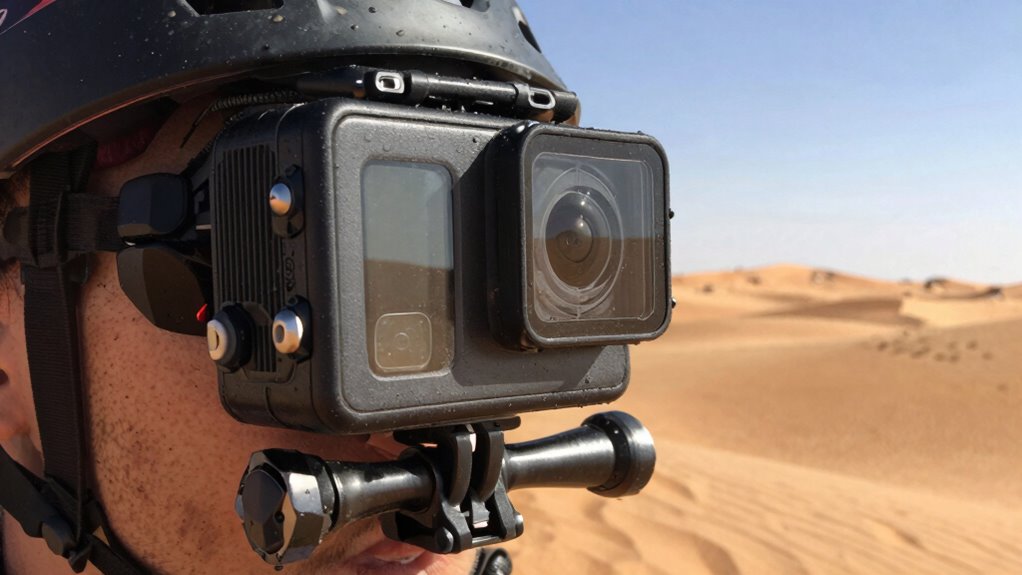
Action cameras tend to overheat because they generate a significant amount of heat during extended recording sessions, especially in high-resolution modes. This overheating can compromise camera durability, risking damage to internal components. When temperatures rise too high, the camera’s thermal insulation becomes overwhelmed, leading to potential malfunctions or shutdowns. Overheating also affects video quality, causing lag or interruptions. Understanding why it matters is essential because consistent overheating shortens your camera’s lifespan and reduces reliability during critical moments. Proper heat management helps maintain peak performance, ensuring your device endures tough conditions. By addressing thermal insulation and heat dissipation, you protect your investment and improve footage stability, especially during long outdoor shoots or intense activities where overheating is most likely. Additionally, optimizing heat dissipation techniques can significantly extend the operational time of your action camera, making it more resilient in demanding environments. Implementing effective thermal management strategies is crucial for maintaining consistent performance and avoiding costly repairs. Ensuring proper ventilation and airflow around the device can further prevent heat buildup and enhance overall cooling efficiency. Proper insulation can also help regulate internal temperatures and prevent rapid overheating.
As an affiliate, we earn on qualifying purchases.
How to Choose Camera Settings to Prevent Overheating
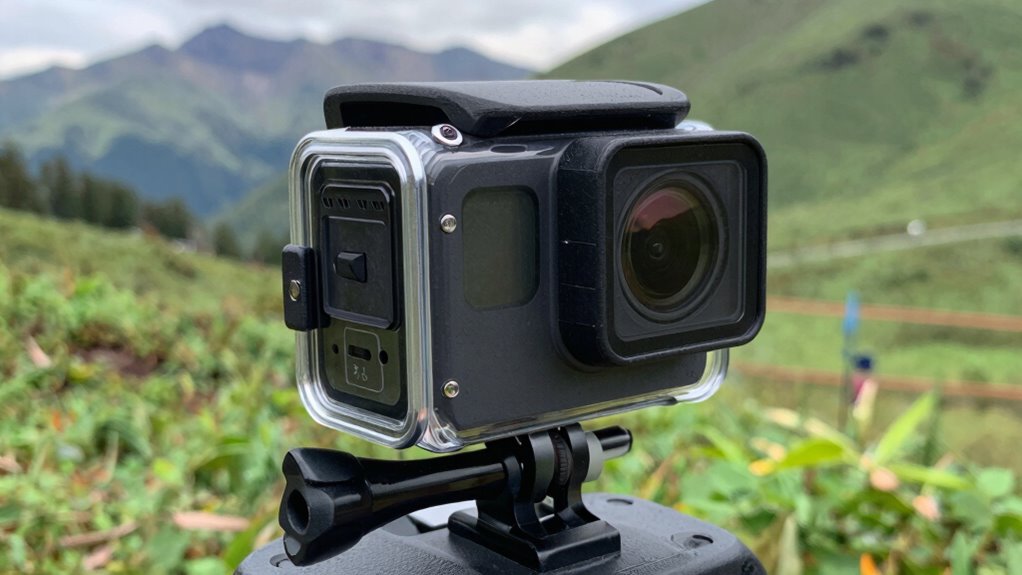
To prevent your camera from overheating, start by lowering the resolution and frame rate, which reduces processing power and heat. Enable power-saving modes to limit unnecessary functions and extend battery life. Adjusting these settings helps keep your camera cooler during prolonged use. Incorporating sustainable practices such as using eco-friendly batteries can also contribute to more responsible and efficient usage. Additionally, understanding camera heat management techniques can further help prevent overheating during critical moments.
Adjust Resolution and Frame Rate
Have you considered that lowering your camera’s resolution and frame rate can markedly reduce overheating? Reducing these settings decreases the processing load, which helps keep your camera cooler and enhances its durability during extended use. For example, switching from 4K to 1080p or lowering the frame rate from 60fps to 30fps can notably cut heat buildup. Additionally, keeping your firmware updated ensures optimized performance and better thermal management, protecting your camera from overheating. Adjusting resolution and frame rate is a simple yet effective way to extend your camera’s lifespan, especially in demanding environments. Always review your camera’s settings before filming to find the right balance between quality and temperature management, ensuring reliable performance when every second counts.
Enable Power-Saving Modes
Enabling power-saving modes is a practical way to prevent your camera from overheating during extended use. By adjusting settings like lowering resolution, reducing frame rate, or enabling sleep mode, you conserve energy and reduce heat buildup. Regular battery maintenance, such as fully charging and avoiding over-discharge, helps your camera operate efficiently. Keeping firmware updated ensures peak performance and thermal management. Consider this table for clarity:
| Power-Saving Strategy | Benefits | Tips |
|---|---|---|
| Reduce resolution | Less processing power needed | Use lower settings when possible |
| Limit frame rate | Minimizes heat generation | Select optimal frame rate |
| Enable sleep mode | Prevents continuous overheating | Use auto-off features |
Applying these strategies prolongs camera life and keeps overheating in check. Additionally, understanding thermal management can help you optimize your camera’s performance in challenging conditions.
action camera ventilation accessories
As an affiliate, we earn on qualifying purchases.
As an affiliate, we earn on qualifying purchases.
Best Mounting and Positioning Tips for Cooler Action Footage
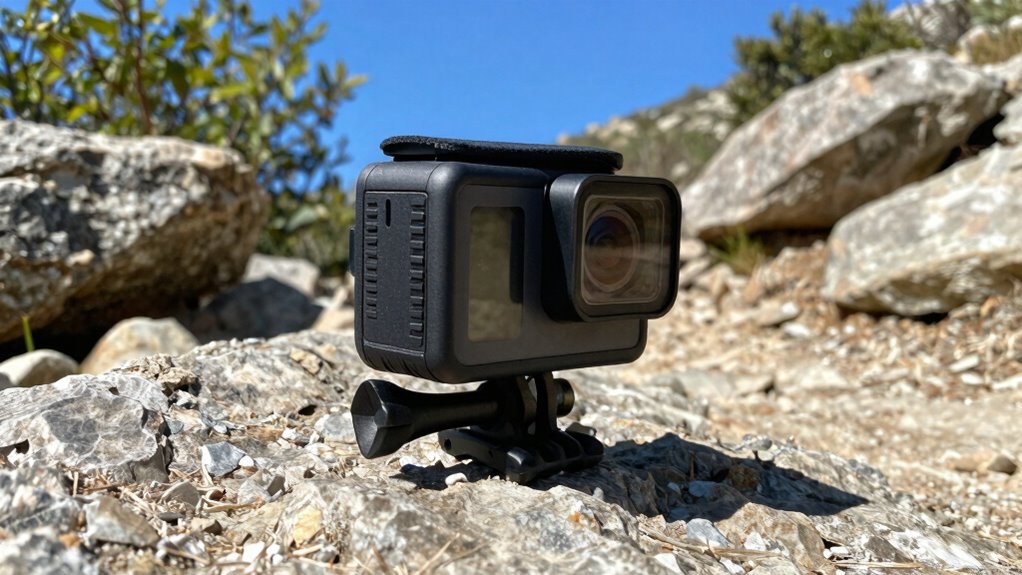
To keep your camera cooler, focus on ideal mounting angles that reduce direct sun exposure. Always try to minimize direct sunlight hitting the device, and consider using cooling accessories like heat sinks or fans. Proper positioning can make a big difference in preventing overheating during your recordings.
Optimal Mounting Angles
Choosing the right mounting angle can considerably improve your action camera’s performance and help prevent overheating. Proper mounting angles maximize camera orientation, reducing strain on internal components and allowing better airflow. Position your camera in a way that minimizes direct sun exposure and avoids pointing it toward heat sources. Keeping the camera slightly tilted or angled can prevent overheating caused by prolonged exposure to sunlight. Experiment with different mounting angles to find a position that balances ideal footage with better heat dissipation. Avoid mounting your camera in tight, enclosed spaces that trap heat, and ensure it’s securely positioned for stable footage. By adjusting your mounting angles thoughtfully, you can extend your camera’s operational time and capture cooler, clearer footage.
Minimize Direct Sunlight
Since direct sunlight can substantially increase your action camera’s temperature, it’s vital to position it wisely. Look for spots with natural sun protection, like shaded trees or overhangs, to reduce exposure. Mount your camera in areas where heat reflection from surfaces like water, sand, or concrete is minimized. Avoid mounting in direct sunlight for extended periods, as this can cause overheating. Use the natural environment to your advantage by choosing angles that keep the camera shaded or less exposed to sunlight. This simple adjustment helps lower the camera’s temperature, preventing overheating during critical moments. Understanding heat reflection can help you select the best mounting locations to keep your camera cooler. Proper positioning not only preserves your device’s performance but also ensures cooler, more reliable footage when every second counts. Additionally, considering ambient temperature can further improve your camera’s thermal management, especially in environments with high heat exposure. Being aware of thermal management techniques can help you implement additional measures to keep your camera cool in challenging conditions.
Use Cooling Accessories
Using cooling accessories can considerably help keep your action camera’s temperature in check during intense filming sessions. These accessories, like heat sinks or external fans, serve as effective ventilation solutions that dissipate heat more efficiently. Mounting your camera with cooling accessories guarantees better airflow and prevents overheating during prolonged use. Positioning the camera away from direct sunlight and heat sources enhances these effects. Some cooling accessories are designed to attach directly to the camera or its housing, providing active cooling without adding bulk. By incorporating these ventilation solutions, you reduce the risk of thermal throttling and footage degradation. Always choose accessories compatible with your camera model, and use them strategically to extend recording time and maintain peak performance.
external cooling for action cameras
As an affiliate, we earn on qualifying purchases.
As an affiliate, we earn on qualifying purchases.
Cooling Techniques to Use During Filming
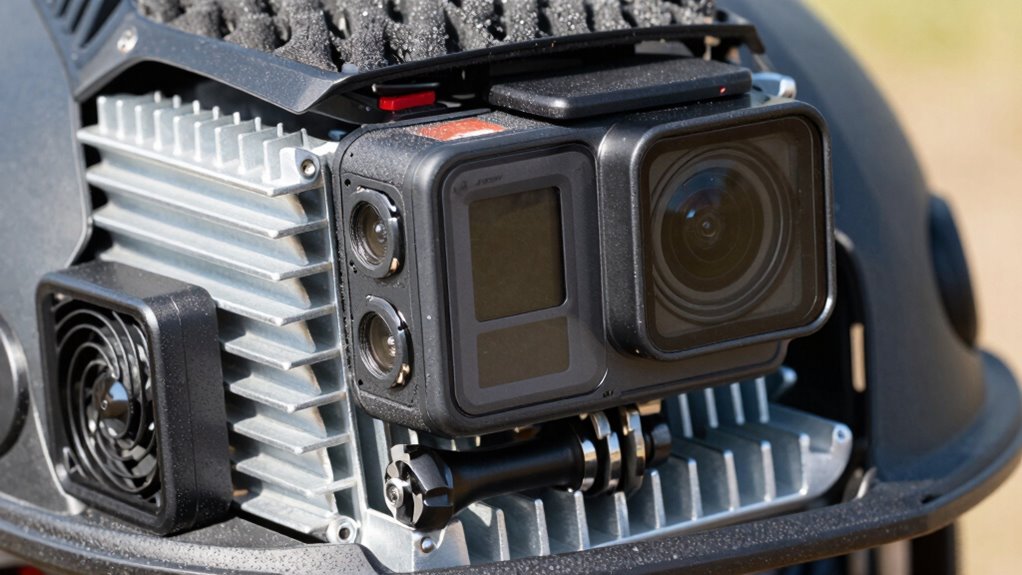
To prevent your action camera from overheating during filming, implementing effective cooling techniques is essential. During shoots, choose battery types that generate less heat, such as lithium-polymer batteries, to reduce thermal buildup. Use proper storage options; keep the camera in shaded or ventilated areas when not recording. Additionally, consider the following techniques:
- Avoid direct sunlight by filming in shaded environments or using reflective covers.
- Keep the camera’s firmware updated to optimize thermal management features.
- Use external cooling accessories like fans or heat sinks when possible.
- Limit continuous recording time to prevent excessive heat accumulation.
Managing Battery Life to Reduce Overheating Risks
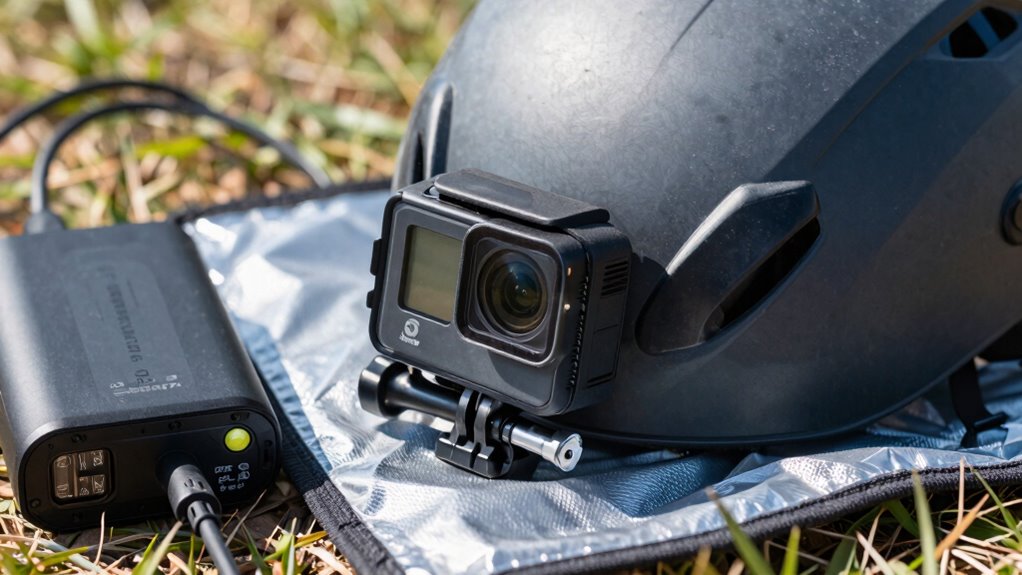
Managing your camera’s battery life is essential for reducing overheating risks during filming. Effective battery optimization involves turning off unnecessary features like Wi-Fi, Bluetooth, or GPS when not in use. Reducing screen brightness and lowering the resolution can also help conserve power, preventing the camera from overheating due to excessive energy drain. Good power management means avoiding prolonged recording sessions at full capacity, which generates more heat. Carry spare batteries and swap them out as needed to keep your camera running efficiently without pushing it to its thermal limits. Additionally, choosing small, efficient devices designed for extended use can help minimize heat build-up. Proper maintenance practices, such as keeping vents clear and ensuring the device is clean, also contribute to better heat dissipation. Using power-efficient settings that are designed for long-duration recordings can further help prevent overheating by reducing unnecessary energy consumption. Implementing these thermal management strategies ensures your camera remains cool during critical moments, allowing for longer recording sessions without overheating. Properly managing your battery capacity can also help reduce the risk of heat caused by excessive power draw, ensuring your camera remains operational during crucial shoots. By managing your battery life carefully, you minimize heat build-up caused by power consumption, allowing your camera to operate longer without risking overheating during critical moments.
Troubleshooting Overheating Problems in Extreme Conditions
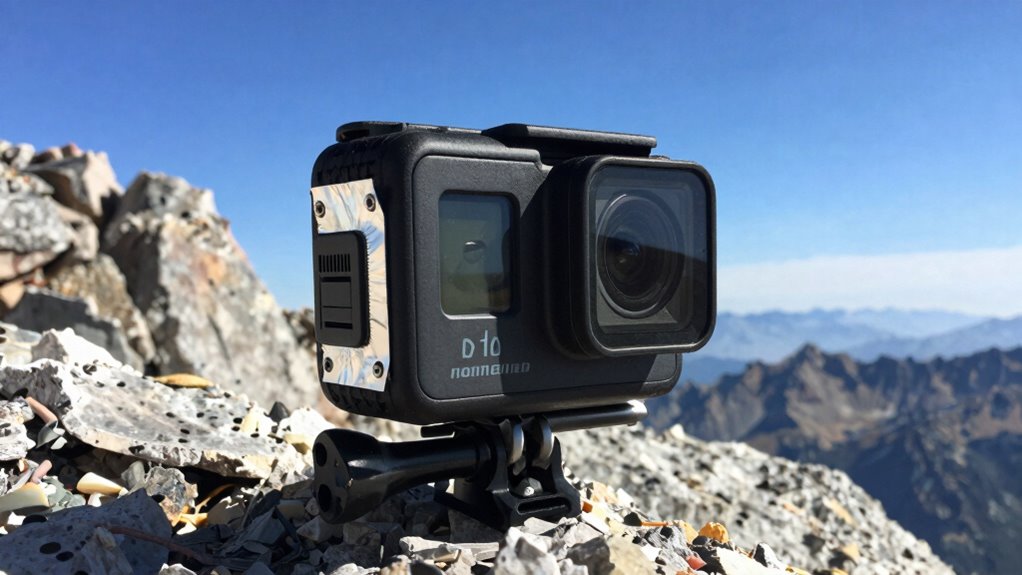
Extreme conditions, such as scorching heat or freezing cold, can considerably increase the risk of your action camera overheating. To troubleshoot effectively, start by:
- Checking sensor calibration – verify your camera’s sensors are calibrated correctly to prevent misreads that can cause overheating.
- Updating firmware – keep your device’s firmware current, as updates often include thermal management improvements.
- Adjusting recording settings – lower resolution or frame rates to reduce processing load, helping prevent heat buildup.
- Monitoring environmental exposure – avoid direct sunlight or extreme cold for prolonged periods, and use protective cases if possible. Additionally, understanding thermal management can help you better control heat dissipation during use.
- Using smart home technology – consider incorporating smart devices that can help monitor and control environmental conditions, reducing overheating risks. Employing environmental sensors can provide real-time data to optimize camera operation in extreme conditions. Incorporating temperature regulation techniques can further assist in maintaining optimal operating temperatures during challenging conditions. Implementing automated cooling systems can also be beneficial in managing excess heat during extended filming sessions.
These steps help mitigate overheating risks in extreme conditions, ensuring your camera performs reliably when it matters most.
How to Maintain Your Action Camera to Stay Cool Over Time
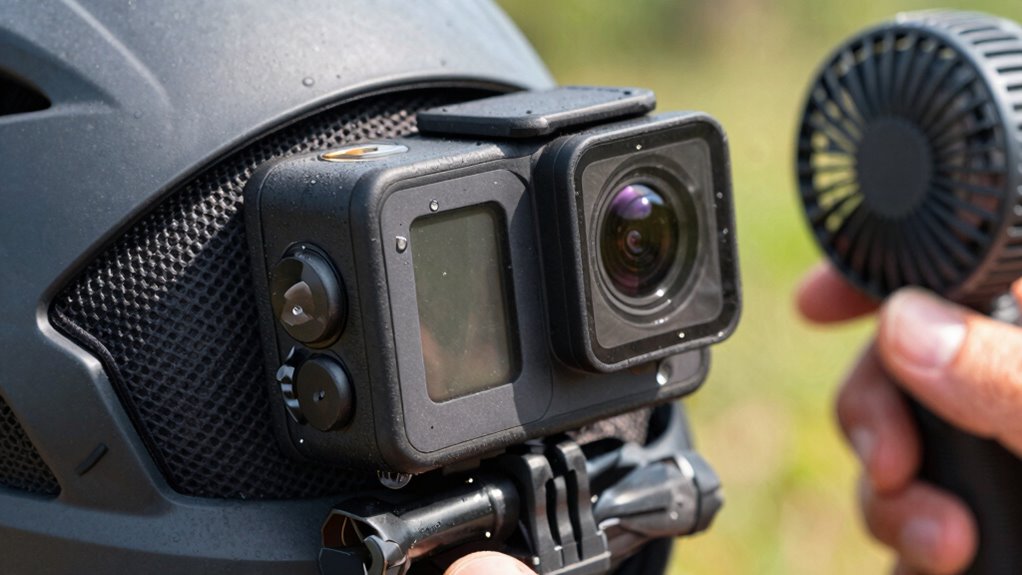
Regular maintenance is essential for keeping your action camera cool during prolonged use. Regular camera maintenance helps prevent dust and debris buildup that can trap heat, so clean your camera’s vents and exterior regularly. Always check for firmware updates, as manufacturers often release improvements that optimize performance and heat management. Updating firmware ensures your camera runs efficiently, reducing overheating risks during intensive recording sessions. Additionally, store your camera in a cool, dry place when not in use, and avoid exposing it to direct sunlight for extended periods. Keep firmware updates current and perform routine camera maintenance to guarantee your device stays cool and functions smoothly over time. Staying proactive with these steps helps you avoid overheating issues, especially when every second counts. Maintaining proper ventilation and understanding heat dissipation can significantly improve your camera’s performance during critical moments. Proper heat management techniques can also extend your camera’s lifespan and reliability.
Frequently Asked Questions
Can External Fans Effectively Cool Down Action Cameras?
External fans can help cool down your action camera temporarily, but they might increase power consumption and drain your battery faster, reducing overall battery life. While fans improve airflow, they don’t address the core overheating issues internally. If you rely on external fans, be prepared for shorter recording sessions. For longer shoots, consider other cooling methods like removing the camera from direct sunlight or using heat-dissipating cases to manage temperature without compromising power.
What Are the Best Protective Cases for Heat Dissipation?
The best protective cases for heat dissipation include models with vents or open designs that allow airflow. Look for protective covers that incorporate thermal pads, which help transfer heat away from your camera. These features aid in cooling your device during intense use. Combining a protective case with thermal pads guarantees your action camera stays cooler, preventing overheating while you capture those critical moments.
How Does Ambient Temperature Impact Camera Overheating?
Imagine the sun beating down as you record your adventure; ambient temperature directly impacts your camera’s overheating. When it’s hot outside, your camera’s battery efficiency drops, and it heats up faster. Using cooling accessories like fans or heat sinks can help, but staying in shaded or cooler environments is best. Lower ambient temperatures allow your camera to operate longer without overheating, ensuring you capture every moment smoothly.
Are There Specific Brands With Better Heat Management?
Yes, some brands excel in heat management. GoPro, for example, incorporates advanced cooling technology and efficient battery life, helping prevent overheating during extended shoots. These cameras often feature better heat dissipation designs, ensuring your device stays cooler under pressure. When choosing a brand, look for models with optimized cooling technology and good battery life, as these factors considerably reduce overheating risks, especially in high-temperature environments or during intense recording sessions.
Can Firmware Updates Improve Overheating Issues?
Can firmware updates improve overheating issues? Absolutely. Think of firmware like the engine’s tune-up; it enhances battery optimization and boosts firmware stability, which can substantially reduce overheating. Manufacturers often release updates that address heat management, making your camera run cooler during intense use. By keeping your firmware current, you guarantee your action camera operates efficiently, preventing it from overheating when every second counts.
Conclusion
Think of your action camera as a daring adventurer crossing a scorching desert—if it overheats, it risks losing its edge. By choosing the right settings, mounting smartly, and managing heat, you keep your footage cool under pressure. Just like a seasoned explorer patches up their gear, maintaining your camera guarantees it stays ready for action. With these tips, you’ll prevent overheating and capture every second, no matter how intense the challenge.
Fall Picks
fall essentials
As an affiliate, we earn on qualifying purchases.