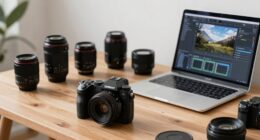

To batch edit sports photos quickly, start by organizing images based on lighting, motion, or camera settings for easier grouping. Use custom presets tailored to different conditions and apply them to batches to maintain consistency and save time. Focus on essential adjustments like sharpening and noise reduction, then use automation features or scripts to speed up repetitive tasks. Continuing will reveal more tips on streamlining your workflow for rapid, high-quality results.

Get sports gear delivered free with Prime
- Fast, free delivery on millions of items
- Prime Video, Amazon Music and more included
- Member-only deals all year
Key Takeaways
- Organize photos by lighting and motion patterns to enable targeted batch adjustments.
- Create and apply custom presets for different sports scenarios to speed up editing.
- Prioritize essential edits like sharpening and noise reduction to enhance athlete clarity quickly.
- Use automation tools, scripts, or actions to streamline complex editing tasks.
- Maintain consistency across images with organized workflows, reducing overall editing time.

Editing sports photos can be time-consuming, especially when you have dozens or even hundreds of shots to process. When speed matters, you need efficient workflows that let you deliver high-quality images without sacrificing too much time. One of the best ways to speed up your editing process is to leverage batch editing techniques. This approach allows you to apply the same adjustments across multiple images at once, saving you from repeating the same steps over and over.
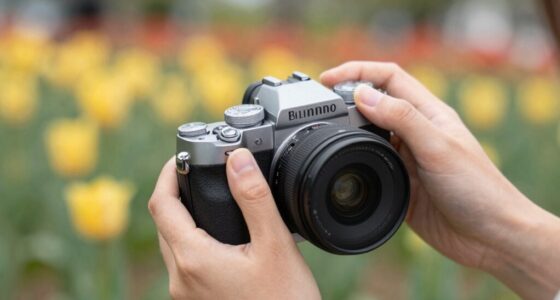
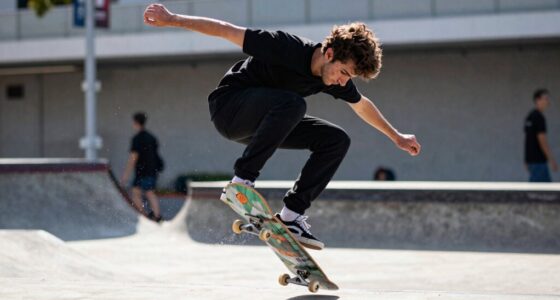
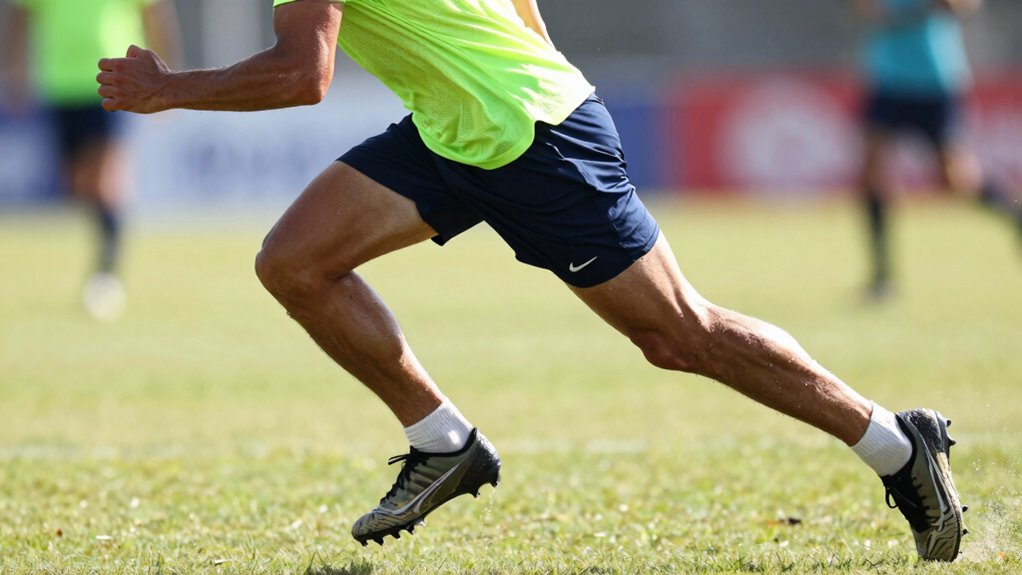
To start, organize your photos based on common traits like lighting conditions, athlete motion, or camera settings. Using your sports photography gear, you might have shot different events or athletes, but grouping similar shots simplifies the editing process. For example, photos taken under similar lighting can be adjusted with a single preset, ensuring consistency across your portfolio. When it comes to athlete motion analysis, look for key moments that share similar blur or sharpness levels. These similarities can inform your batch corrections, helping you maintain the dynamic feel of your sports images while speeding up the editing. Taking the time to analyze athlete motion can also help you identify motion patterns that allow you to apply targeted adjustments more effectively.
Organize sports photos by lighting, motion, and settings to streamline batch editing and maintain consistency.
Next, invest time in creating or customizing presets in your editing software. Presets are a game-changer for batch editing because they allow you to apply a series of adjustments—such as exposure, contrast, clarity, and color correction—with just a click. You can create different presets tailored for various lighting scenarios or sports types, making it quick to select the best one for each batch. This not only accelerates your workflow but also guarantees a consistent look across all your images.
When applying edits, focus on essential adjustments first. For sports photography, sharpening and noise reduction often take priority to capture athlete motion crisply and reduce grain, especially in low-light conditions. Use your software’s auto-adjust features or sliders to quickly get close to the desired look, then refine as needed. Remember, the goal is to enhance the action without over-processing. Using batch commands like sync or copy-paste settings can drastically reduce your editing time, especially when working with large sets of similar shots.
Finally, consider utilizing software with powerful automation features. Some tools allow you to create actions or scripts that perform complex edits with a single click. Paired with your understanding of athlete motion analysis, these automated processes let you quickly fine-tune large groups of images, capturing the energy and movement in each frame. Incorporating photo organization techniques can also streamline your workflow by helping you quickly identify and select images for batch editing. When speed truly matters, mastering batch editing with these techniques ensures you can deliver stunning sports photos efficiently, keeping up with the fast-paced nature of athletic events.
Frequently Asked Questions
What Software Is Best for Batch Editing Sports Photos?
Adobe Lightroom Classic is your best choice for batch editing sports photos. It offers powerful tools for quick color correction and noise reduction, helping you enhance multiple images efficiently. You can apply adjustments across entire batches with just a few clicks, saving you time during fast-paced shoots. Its intuitive interface and robust editing features make it ideal when speed matters, ensuring you deliver high-quality results without sacrificing detail.
How Can I Ensure Consistency Across All Edited Photos?
You might think consistency is just luck, but it’s not. To guarantee it, start with a preset for color correction and apply it across all photos. Use batch processing for noise reduction to maintain uniform clarity. Review a few shots after editing, then tweak your settings to match the overall style. This approach guarantees all your sports photos look cohesive, regardless of the game or lighting conditions.
What Are Common Mistakes to Avoid in Batch Editing?
Avoid common mistakes in batch editing by not overusing color correction, which can make photos look unnatural. Be cautious with noise reduction—excessive use can blur details, especially in sports shots with fast action. Always preview edits before applying them globally, ensuring consistency without sacrificing image quality. Keep a balance, and don’t rush, so your sports photos look sharp, vibrant, and professional across the entire batch.
How Do I Handle Different Lighting Conditions in Batch Edits?
When handling different lighting conditions in batch edits, start with global lighting adjustments to normalize exposure and brightness across your photos. Use color correction tools to balance white levels and guarantee consistent tones. Apply these adjustments uniformly, then fine-tune individual images if needed. This approach streamlines your workflow, maintaining speed without sacrificing quality, and ensures your sports photos have a cohesive, professional look despite varied lighting situations.
Can Batch Editing Improve Overall Photo Quality?
Imagine your photos as a vibrant sports arena, bursting with energy. Batch editing can elevate this scene by applying consistent color correction, making every shot pop with clarity. Noise reduction smooths out grainy chaos, giving your images a professional shine. This process not only speeds up editing but also guarantees your photos maintain high quality across the board, capturing every thrilling moment with vivid detail and flawless presentation.
Conclusion
By mastering batch editing techniques, you can speed up your sports photo workflow and capture those fleeting moments with ease. Did you know that professional sports photographers often edit hundreds of photos in just a few minutes? This efficiency allows you to focus more on the action and less on editing. So, embrace batch editing, streamline your process, and turn around stunning sports images faster than ever—your fans and clients will thank you for it.
NFL season / tailgating Picks
team gear
As an affiliate, we earn on qualifying purchases.