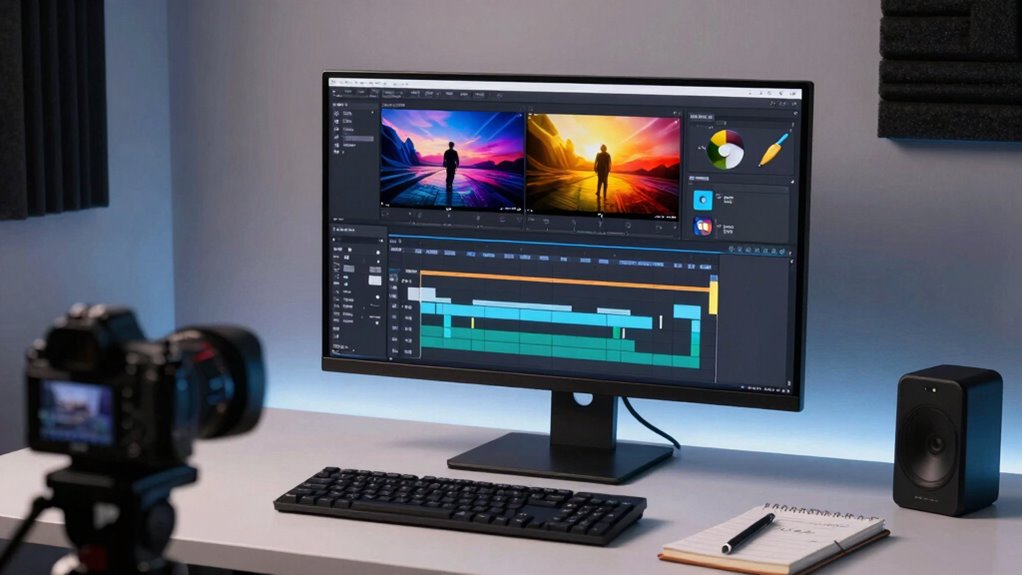

To make your highlight reels feel faster, sync cuts perfectly with the music beat, focusing on impactful moments to guide pacing. Use quick cuts during high-energy parts and longer shots to let key highlights breathe. Vary pacing to keep viewers engaged and make shifts seamless by aligning visual and musical cues. Paying attention to rhythm and audience engagement boosts energy and interest. Keep experimenting with these techniques, and you’ll master creating dynamic, fast-paced reels—there’s more to discover ahead.

Get sports gear delivered free with Prime
- Fast, free delivery on millions of items
- Prime Video, Amazon Music and more included
- Member-only deals all year
Key Takeaways
- Synchronize cuts with music beats to create a rhythmic, energetic flow that feels faster and more engaging.
- Focus on impactful moments as anchor points, cutting around them for smooth, purposeful transitions.
- Vary pacing by alternating quick cuts with longer shots to maintain excitement and prevent monotony.
- Align visual edits with overall tempo to reinforce the feeling of speed and enhance viewer perception.
- Use audience engagement cues to fine-tune pacing, ensuring the reel feels dynamic without rushing.
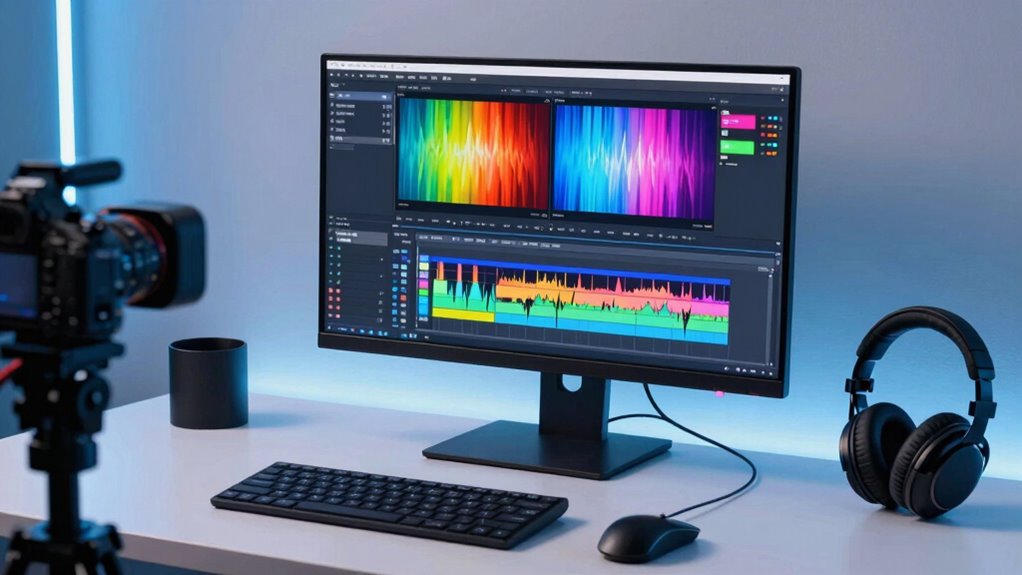
Creating highlight reels that feel faster isn’t just about trimming footage—it’s about understanding what truly captures viewers’ attention. To achieve this, you need to master pacing techniques that keep the energy high without overwhelming your audience. One of the most effective ways to do this is through music synchronization. When your visuals align seamlessly with the beat of the music, it creates a rhythm that naturally propels the viewer forward. This synchronization makes even longer clips feel snappy and dynamic because the music acts as a guide, signaling shifts and emphasizing key moments.
Aligning visuals with music beats creates dynamic, engaging highlight reels that feel faster and more cohesive.
Your goal is to craft a flow that feels effortless, pulling viewers through each highlight without making them feel rushed or disoriented. Pacing techniques are your best tools here. Start by identifying the most exciting or impactful parts of your footage—those are your anchor points. Then, cut around these moments, guaranteeing each shift feels smooth and purposeful. Cutting on the beat of your chosen music helps reinforce this flow, making the reel feel energized and cohesive. When your cuts match the rhythm, viewers subconsciously stay engaged because their brains anticipate the beats, keeping their eyes glued to the screen.
It’s equally important to vary your pacing. Don’t keep the energy level constant; instead, introduce quick cuts to create excitement and longer shots to let viewers absorb a particularly impressive moment. This variation keeps the reel from feeling monotonous and mimics the natural rhythm of a well-edited sequence. Use pacing techniques to accelerate the tempo during high-energy sections and slow down for dramatic or technical highlights. When combined with music synchronization, this approach transforms a simple montage into a compelling story that feels faster but remains easy to follow. Additionally, paying attention to the visual rhythm helps create a cohesive and dynamic viewing experience. Incorporating editing techniques that align with the overall tempo further enhances the perception of speed and engagement. Recognizing the importance of audience engagement ensures that your editing choices keep viewers interested throughout.
Furthermore, understanding how visual pacing impacts viewer perception can help you fine-tune your edits for maximum effect.
music synchronized video editing software
As an affiliate, we earn on qualifying purchases.
As an affiliate, we earn on qualifying purchases.
Frequently Asked Questions
How Do I Choose the Best Moments for My Highlight Reel?
To choose the best moments for your highlight reel, focus on clips that showcase your peak performance and emotional impact. Use music synchronization to match key actions with the beat, creating a dynamic flow. Apply color grading to highlight important scenes and add visual appeal. Prioritize moments that tell a compelling story, ensuring each clip enhances the overall narrative and keeps viewers engaged from start to finish.
What Editing Software Is Most User-Friendly for Quick Cuts?
For quick cuts, you’ll want user-friendly editing software like Adobe Premiere Rush or iMovie. These tools make it easy to trim clips, add color correction, and tweak sound editing to keep your reel engaging. They offer intuitive interfaces, fast rendering, and simple sharing options. Plus, you can enhance footage with basic color correction and improve audio quality, ensuring your highlight reel feels polished and dynamic without a steep learning curve.
How Long Should a Highlight Reel Ideally Be?
A highlight reel should ideally be around 1 to 3 minutes long. Focus on highlight duration that keeps viewer engagement high without overwhelming them. Shorter reels, around 1 minute, work well for social media, capturing attention quickly. If your content is more detailed, aim for 2-3 minutes. Remember, the key is maintaining a brisk pace to keep viewers hooked and guarantee they don’t lose interest halfway through.
How Can I Make My Highlight Reel More Engaging?
You can make your highlight reel more engaging by testing the theory that synchronized music and visuals boost viewer excitement. Use music that matches the energy, and incorporate visual effects that enhance key moments. Quick cuts, dynamic shifts, and syncing beats with actions create a rhythm that pulls viewers in. With deliberate music synchronization and eye-catching visual effects, your reel becomes more compelling, memorable, and keeps viewers hooked from start to finish.
What Common Mistakes Should I Avoid When Cutting Highlights?
Avoid common mistakes like poor music synchronization, which can make your reel feel disjointed, and neglecting color grading, leading to inconsistent visuals. Don’t cut too quickly or slowly; find a balance that matches the energy of the footage. Also, steer clear of overusing effects or *fades*—simplicity keeps your highlights engaging. Focus on maintaining rhythm with music and enhancing visuals with subtle color grading for a polished, professional feel.
As an affiliate, we earn on qualifying purchases.
Conclusion
Remember, crafting highlight reels that feel faster is like tuning a race car—every cut and shift needs precision. By applying these smarter editing techniques, you’ll keep your audience engaged, much like a skilled conductor guiding an orchestra through a lively symphony. Don’t be afraid to trim the excess and let your story’s heartbeat shine. With practice, your reels will race ahead, leaving viewers enthusiastic for the next lap—faster, sharper, and more engaging every time.
fast-paced video transition effects
As an affiliate, we earn on qualifying purchases.
As an affiliate, we earn on qualifying purchases.
video editing software with beat sync
As an affiliate, we earn on qualifying purchases.
As an affiliate, we earn on qualifying purchases.
NFL season / tailgating Picks
team gear
As an affiliate, we earn on qualifying purchases.