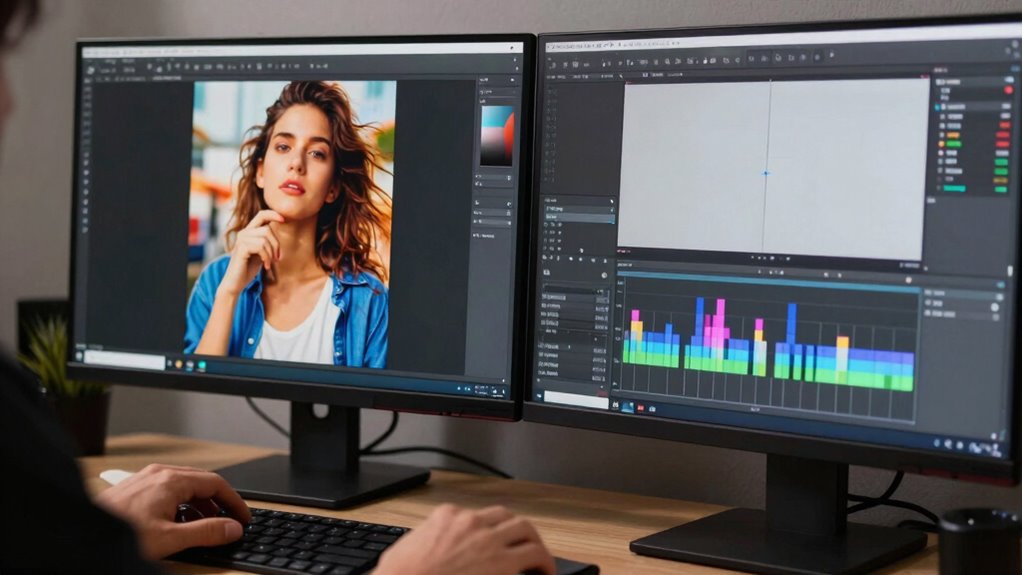

While proxies can speed up your editing by reducing hardware strain and easing smoother workflows, many overlook their limitations. They are lower-resolution copies that may miss fine details, especially in color grading. Properly integrating proxies with high-performance hardware and knowing when to switch to full-resolution files is key. If you keep these points in mind, you’ll gain access to more efficient editing without sacrificing quality—more useful tips await to help you master your workflow.
Key Takeaways
- Proxies speed up editing but require careful management and timely switching to maintain final quality.
- Hardware upgrades can reduce reliance on proxies, making workflows more efficient.
- Properly integrating proxies during rough cuts and switching back for color grading optimizes speed and accuracy.
- Overuse or improper handling of proxies can compromise detail, especially in color correction stages.
- Combining proxies with hardware optimization maximizes editing speed without sacrificing professional quality.
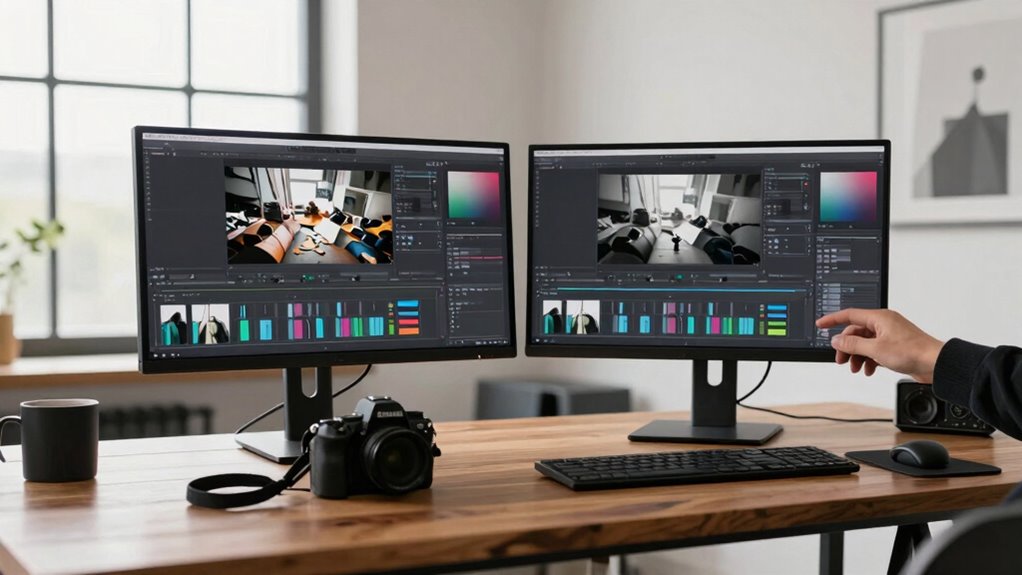
Ever wondered how to speed up your editing workflow without sacrificing quality? Using proxies is a popular solution, but many overlook the importance of understanding the full picture. Proxies are low-resolution copies of your original footage that make editing smoother, especially when working with high-resolution files. While they definitely help reduce the strain on your hardware, the true secret lies in how you integrate them into your overall workflow, particularly during stages like color grading. When you switch between proxies and your full-resolution files, you can work faster without compromising the final quality. This is especially useful if your system struggles with real-time playback during color grading, which often demands heavy processing power.
However, simply creating proxies isn’t enough. To truly maximize their benefits, you need to optimize your hardware. Upgrading your RAM, GPU, or storage solutions can make a significant difference. Faster SSDs, for example, decrease load times for both proxies and original footage, making the switch between the two almost seamless. When your hardware is optimized, the need to work exclusively with proxies diminishes because your system can handle larger files more efficiently. Still, proxies remain invaluable during the initial editing phases, allowing you to work swiftly and make quick decisions before moving on to detailed color grading and finishing touches. Additionally, understanding how hardware optimization can further enhance your editing speed is crucial for a streamlined workflow, especially considering how system performance impacts overall efficiency. Improving these components can greatly reduce processing bottlenecks, allowing for a more fluid editing experience.
Color grading is another critical aspect where proxies shine, but only if you understand their role. Because proxies are lower in resolution, they may not display every subtle detail necessary for precise color correction. That’s why it’s essential to switch back to your full-resolution files for final color grading, where accuracy is paramount. Using proxies during the rough cut stage lets you focus on pacing and story without bogging down your system. Once you’re satisfied with the edit, you can reconnect to the original files for high-quality color grading. This approach saves time during the early phases and ensures your final output is as polished as possible. Additionally, understanding workflow planning can further enhance your editing speed, making the entire process more efficient.
Ultimately, the overlooked truth about proxies is that they’re not a one-size-fits-all solution but a tool that, when combined with hardware optimization and strategic workflow planning, can dramatically accelerate your editing process. They enable you to work more efficiently, especially during the more demanding stages like color grading. By understanding when and how to switch between proxies and original footage, you maintain high standards without sacrificing speed. This balance is key to mastering faster editing techniques and producing professional-quality videos in less time.

Samsung T7 Portable SSD, 1TB External Solid State Drive, Speeds Up to 1,050MB/s, USB 3.2 Gen 2, Reliable Storage for Gaming, Students, Professionals, MU-PC1T0T/AM, Gray
MADE FOR THE MAKERS: Create; Explore; Store; The T7 Portable SSD delivers fast speeds and durable features to…
As an affiliate, we earn on qualifying purchases.
As an affiliate, we earn on qualifying purchases.
Frequently Asked Questions
Do Proxies Affect Color Grading Accuracy?
Using proxies can slightly impact color grading accuracy if you’re not careful. Proxies are lower-resolution versions, so they might not perfectly reflect the true colors of your footage. To maintain color accuracy, you should use proper calibration techniques on your monitor and switch to the full-resolution files for final grading. This way, you guarantee consistent results and avoid issues caused by differences between proxies and original footage.
Can Proxies Be Used for Audio Editing?
Yes, you can use proxies for audio editing, especially when working with large files. Proxies help you maintain smooth audio synchronization during editing, making the process more efficient. They also allow you to apply noise reduction techniques without taxing your system. Once your edits are complete, you can replace proxies with the original high-quality audio for final mixing, ensuring accuracy and clarity throughout your project.
How Do Proxies Impact Rendering Times?
Proxies considerably reduce rendering times by simplifying complex media through proxy compression, which lightens the workload on your system. This streamlines your workflow optimization, allowing you to preview edits faster and render final outputs more efficiently. When you use proxies, your editing process becomes smoother, saving time during rendering phases. Overall, proxies enable quicker project completion by minimizing the strain on your hardware during intensive tasks.
Are Proxies Compatible With All Editing Software?
Proxies are generally compatible with most editing software, but it’s vital to verify your specific software’s compatibility. Your proxy workflow depends on your editing program’s ability to handle proxy files efficiently. Many popular programs like Adobe Premiere Pro, DaVinci Resolve, and Final Cut Pro support proxies, making your editing smoother. Always verify software compatibility first to ensure seamless integration and avoid workflow disruptions.
What Are the Best Proxy Formats for 4K Footage?
Ever wondered which proxy formats suit your 4K footage best? For peak performance, choose proxy resolutions like 1920×1080 or 1280×720, balancing quality and editing speed. Use proxy creation tools like Adobe Media Encoder or DaVinci Resolve to generate lightweight, compatible files. These formats guarantee smooth editing workflows without sacrificing too much detail. Don’t overlook the importance of selecting the right proxy resolution for your project’s needs!
![WavePad Audio Editing Software - Professional Audio and Music Editor for Anyone [Download]](https://m.media-amazon.com/images/I/B1fcLEGCs6S._SL500_.png)
WavePad Audio Editing Software – Professional Audio and Music Editor for Anyone [Download]
Full-featured professional audio and music editor that lets you record and edit music, voice and other audio recordings
As an affiliate, we earn on qualifying purchases.
As an affiliate, we earn on qualifying purchases.
Conclusion
Using proxies can dramatically speed up your editing process, especially when working with high-resolution footage. Imagine trimming hours off your workflow—it’s like turning a 10-hour editing session into just 2. Studies show that editors using proxies are 50% more efficient, freeing up time for creativity rather than waiting on renders. So, next time you’re stuck with lag, remember: proxies aren’t just a hack—they’re your secret weapon for smoother, faster editing.

PNY NVIDIA GeForce RTX™ 5080 Epic-X™ ARGB OC Triple Fan, Graphics Card (16GB GDDR7, 256-bit, Boost Speed: 2775 MHz, PCIe® 5.0, HDMI®/DP 2.1, 2.99-Slot, NVIDIA Blackwell Architecture, DLSS 4)
NVIDIA DLSS 4 – Supreme Speed. Superior Visuals. Powered by AI. DLSS is a revolutionary suite of neural…
As an affiliate, we earn on qualifying purchases.
As an affiliate, we earn on qualifying purchases.
video editing RAM upgrade
As an affiliate, we earn on qualifying purchases.
As an affiliate, we earn on qualifying purchases.