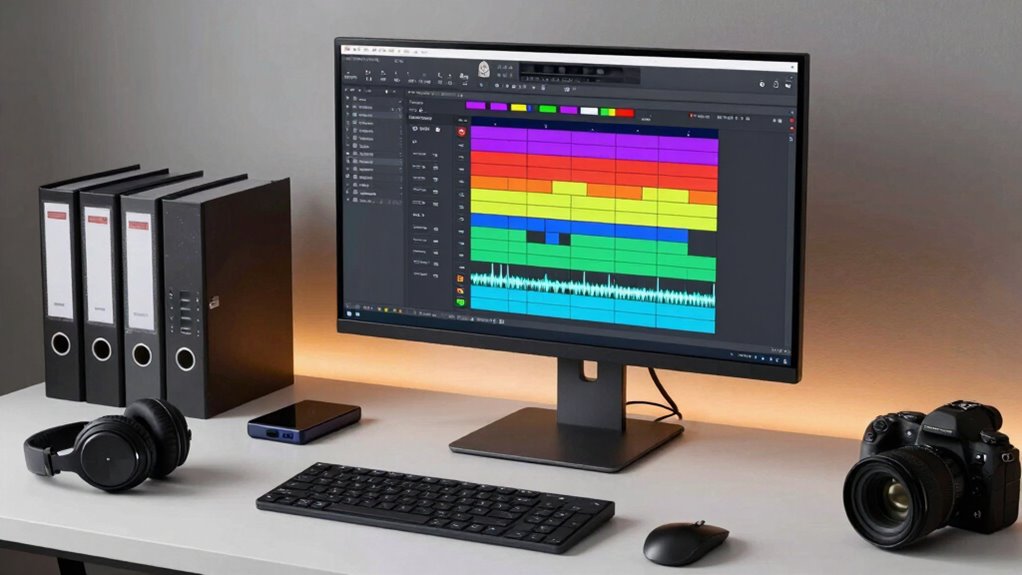

To organize audio files for quick edits, adopt a clear folder hierarchy, such as separate folders for raw recordings, edited versions, and final mixes. Use descriptive, consistent file names with key details like date, project, and version to make searching easier. Tag files with relevant metadata and utilize search tools that index these tags. Regularly review and archive older projects to prevent clutter. Keep your system tidy, and you’ll always find what you need fast—more tips await if you continue.

Get sports gear delivered free with Prime
- Fast, free delivery on millions of items
- Prime Video, Amazon Music and more included
- Member-only deals all year
Key Takeaways
- Implement descriptive, consistent file naming conventions to quickly identify and locate specific audio files.
- Organize files into a clear folder hierarchy reflecting workflow stages for efficient access.
- Regularly review and archive older projects to keep the active workspace streamlined.
- Use metadata tagging and search tools to rapidly find files based on content or attributes.
- Maintain disciplined folder and file management to minimize time spent searching or sorting.
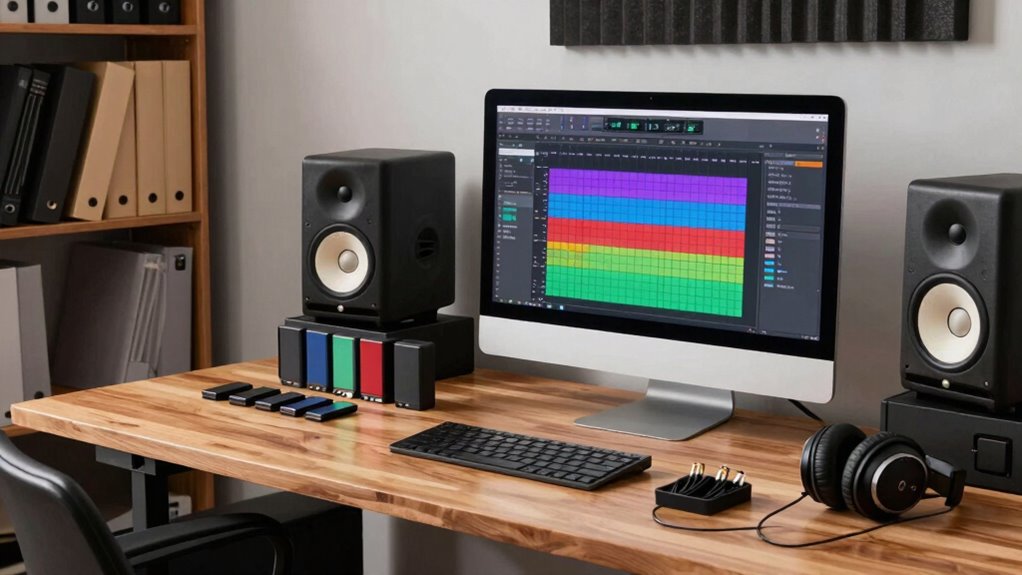
Organizing your audio files can save you time and frustration, especially if you have a large library of music, podcasts, or recordings. The key is establishing a consistent system that makes it easy to locate and edit files quickly. Start by adopting clear file naming conventions. Use descriptive, uniform names that include relevant details like the date, project name, version number, or content type. For example, naming a podcast episode as “2023-10-01_Interview_JohnDoe_V1” helps you identify it at a glance. Avoid vague titles like “audio1” or “podcast” that won’t tell you anything about the file’s content. This consistency ensures you can search for files efficiently and prevents confusion during editing sessions. Additionally, incorporating standardized naming conventions can further enhance your organization by maintaining uniformity across all files. Next, focus on folder hierarchy organization. Create a logical folder structure that reflects your workflow. For instance, have a main folder labeled “Audio Library,” with subfolders for each project, genre, or recording type. Inside each project folder, further organize by stages such as “Raw Recordings,” “Edited Files,” and “Final Mixes.” This layered approach minimizes clutter and makes it easy to find specific files without digging through unrelated content. When you know exactly where a file is stored, you save valuable time during edits, which keeps your projects on schedule. Regularly maintaining this system is equally important. Set aside time to review and tidy your folders and rename files if needed. As your library grows, archiving older projects into separate folders or drives can prevent your main workspace from becoming overwhelming. Using a consistent folder naming scheme** as well, such as including dates or project codes, can further streamline your workflow. Implementing metadata tagging can also help you quickly identify files based on content or attributes, making your search process even more efficient. To further optimize your workflow, consider utilizing search tools that can index and locate files based on metadata or content, saving you additional time. Integrating these practices—adhering to file naming conventions and maintaining a structured folder hierarchy—streamlines your editing process. When you click on a file, you immediately understand its contents and purpose, reducing time spent searching or opening unnecessary versions. This organized approach ensures that every audio file is where it should be, allowing you to jump straight into editing or mixing without delays. Over time, this discipline turns your chaotic collection into a well-oiled system** that enhances your productivity and keeps your creative flow uninterrupted.
As an affiliate, we earn on qualifying purchases.
Frequently Asked Questions
What Software Is Best for Organizing Audio Files?
You should try software like Adobe Bridge or AIMP, as they excel in organizing audio files. These programs let you easily apply audio tagging, so you can quickly find tracks later. Plus, they support creating folder hierarchies, helping you keep your files structured and accessible. With these tools, you’ll save time during edits and streamline your workflow, ensuring everything is organized and ready when you need it.
How Often Should I Back up My Audio Files?
You should back up your audio files regularly, ideally weekly or after significant edits. Use a combination of cloud backup and external drives for maximum security. Cloud backups guarantee your files stay safe online, while external drives provide quick local access. This routine minimizes the risk of losing important audio data and keeps your workflow smooth, so you can focus on editing without worry.
Can I Automate Audio File Organization?
Yes, you can automate audio file organization by using software that sorts files based on audio metadata like date, artist, or project. You can set up a folder hierarchy that automatically moves files into designated folders according to this metadata. This way, your files stay organized, making quick edits easier and saving you time. Regularly updating your automation rules guarantees your system adapts to your evolving workflow.
How Do I Handle Corrupted Audio Files?
When you encounter corrupted audio files, start with audio recovery tools to restore them quickly. Use reliable file repair software to fix issues like glitches or missing data. Always back up your files before attempting recovery, and consider converting damaged files into a different format for easier repair. Regularly maintaining your library with these methods minimizes editing delays, ensuring you can access clean, ready-to-edit audio files without wasting time.
What Naming Conventions Improve Searchability?
Clear, consistent naming conventions create an engaging catalog. Use descriptive names with keywords like date, project, and version to boost searchability. Incorporate file versioning to track changes easily, and stick to metadata standards for uniformity. This systematic structure streamlines searching, saving you time during edits. Proper naming turns chaos into clarity, making your audio library easily accessible, efficient, and enjoyable to navigate every time.
metadata tagging tool for audio files
As an affiliate, we earn on qualifying purchases.
As an affiliate, we earn on qualifying purchases.
Conclusion
So, now that you’ve mastered the art of organizing your audio files, you’re practically a digital librarian—minus the cardigan and glasses. No more frantic searches or lost clips; just smooth sailing and quick edits. Just remember, chaos might be easier in the moment, but your future self will thank you for the few minutes spent tidying up. Now go forth, conquer your audio chaos, and make editing feel like a breeze—because you’ve earned it.
file naming conventions for audio projects
As an affiliate, we earn on qualifying purchases.
As an affiliate, we earn on qualifying purchases.
audio file search and indexing tools
As an affiliate, we earn on qualifying purchases.
As an affiliate, we earn on qualifying purchases.
Fall Picks
fall essentials
As an affiliate, we earn on qualifying purchases.