The simple truth about frame rates for action videos is that choosing the right one impacts how smooth, realistic, and engaging your footage looks. Lower frame rates like 24 or 30 fps give a cinematic feel, while higher rates like 60 fps make fast movements clearer and smoother. Your choice depends on the scene’s energy and your style goals. If you want to master capturing dynamic action perfectly, there’s much more to explore below.
Key Takeaways
- Higher frame rates (60 fps) create smoother, more natural motion, ideal for fast-paced action scenes.
- Lower frame rates (24 fps) give a cinematic look but may appear choppier during rapid movements.
- Selecting the right frame rate depends on scene speed, purpose, and viewing platform for optimal results.
- Mixing different frame rates can cause playback issues like judder and unnatural motion.
- Proper shutter speed, stabilization, and consistent frame rates are essential for professional, immersive action footage.

icefox Action Camera 4K 60FPS 30MP with 2X 2150mAh Batteries, Underwater Camera with 5X Zoom, EIS, Powered by Snappro App,Support Video&Photo Editing,Waterproof, WiFi Remote Control
【𝟰𝗞 𝟲𝟬𝗙𝗽𝘀 𝗨𝗹𝘁𝗿𝗮 𝗛𝗗 𝗩𝗶𝗱𝗲𝗼 & 𝟯𝟬𝗠𝗣 𝗣𝗵𝗼𝘁𝗼𝘀】The sports camera 4k action camera for fathers day can capture…
As an affiliate, we earn on qualifying purchases.
As an affiliate, we earn on qualifying purchases.
What Are Frame Rates and Why Do They Matter in Action Videos
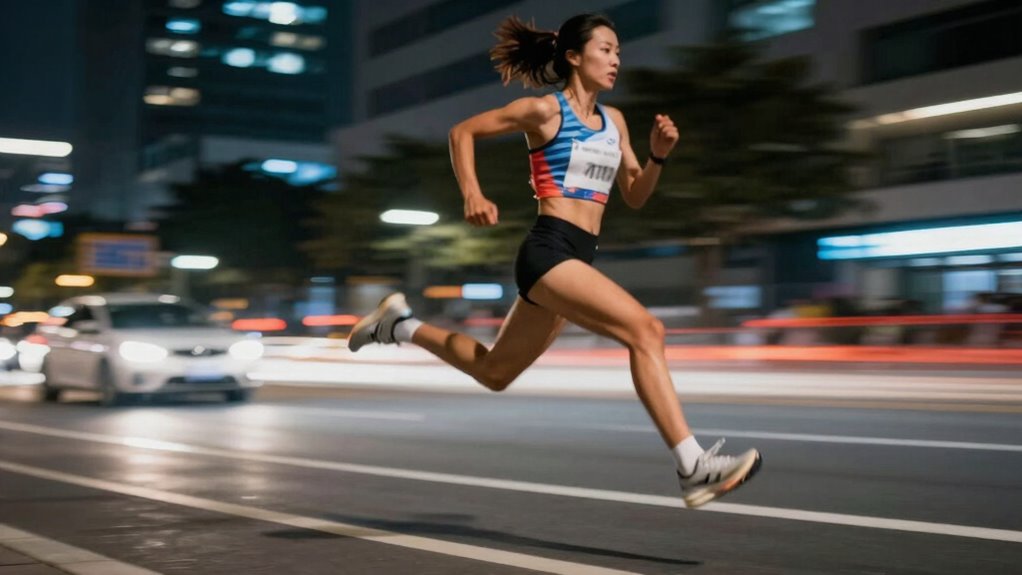
Frame rates refer to the number of individual frames displayed per second in a video. Understanding this helps you grasp why action videos look the way they do. Many frame rate myths persist, like higher frame rates always meaning better quality, but that’s not true. Historically, film started at 16-24 frames per second, which created a certain cinematic feel. With technological advances, filmmakers began experimenting with higher frame rates, like 48 or 60 fps, to improve motion clarity. These historical developments influenced how action scenes are shot and perceived. Knowing the basics about frame rates helps you choose the right settings for your video projects, ensuring your footage captures fast movements smoothly and clearly. It’s about understanding the balance between technical possibilities and creative goals, which can be affected by the evolution of film technology. Additionally, frame rate standards have shifted over time, reflecting ongoing innovations in digital filmmaking. Recognizing these technological shifts helps filmmakers adapt their techniques to achieve the desired visual effects.

COMITOK L7C Pro, Gimbal stabilizer for iPhone, Phone Stabilizer for Video Recording with Face/Object Tracking, 3-Axis Gimbal for Android & iPhone 15 Pro Max, Foldable Phone Gimbal Vlog Recording
[Upgraded 3-Axis Gimbal Stabilizer for Smartphone] Embark on a journey of capturing life's most cherished moments with the…
As an affiliate, we earn on qualifying purchases.
As an affiliate, we earn on qualifying purchases.
How Different Frame Rates Affect Motion Smoothness and Video Feel
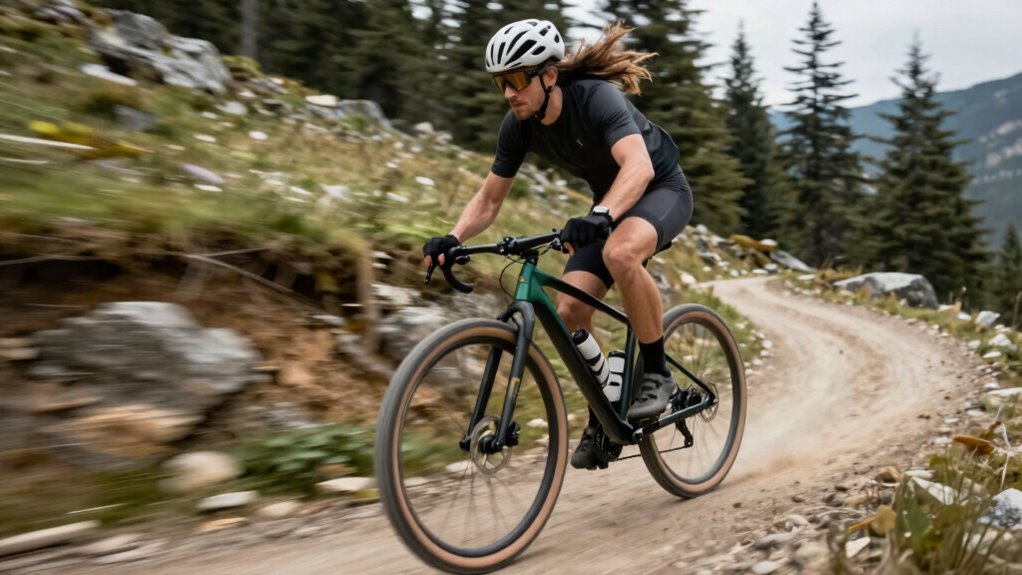
When you watch a video, the frame rate directly influences how smooth or choppy the motion appears. Higher frame rates, like 60 fps, create fluid, natural movement, making fast action feel seamless. Lower frame rates, such as 24 fps, can make motion seem slightly more cinematic but less smooth, especially during rapid movement. Slow motion effects are achieved through frame rate conversion—either recording at a high frame rate or interpolating frames afterward—adding a dramatic, detailed feel. Conversely, reducing frame rates can introduce choppiness intentionally for stylistic reasons. Different frame rates evoke distinct emotions and energy in your footage, shaping how viewers perceive speed, intensity, and realism. Understanding these effects helps you craft the desired video feel for your action scenes.

Canon EOS Rebel T7 DSLR Camera EF-S 18-55mm f/3.5-5.6 is II Lens Kit, 24.1 Megapixel CMOS (APS-C) Sensor, Full HD Videos, Built-in Wi-Fi, Beginner Photographers, Digital Camera, Black
24.1 Megapixel CMOS (APS-C) sensor with is 100–6400 (H: 12800)
As an affiliate, we earn on qualifying purchases.
As an affiliate, we earn on qualifying purchases.
How to Choose the Right Frame Rate for Your Action Footage
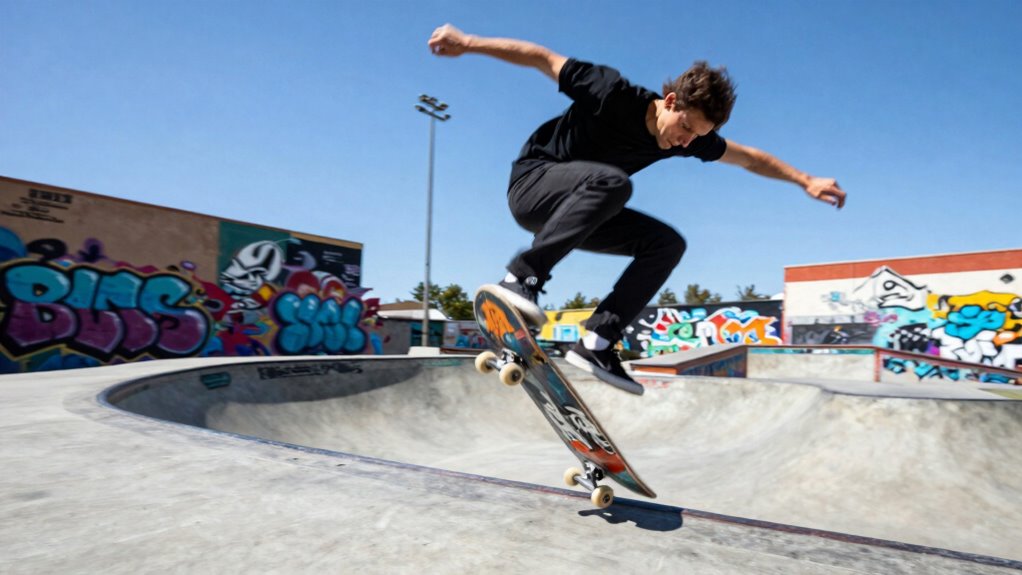
Choosing the right frame rate for your action footage depends on the mood and realism you want to convey. If you aim for a cinematic look, lower frame rates like 24fps can add a dramatic feel, but may require careful color grading to enhance mood. For fast-paced, dynamic scenes, higher frame rates like 60fps or above provide smoother motion, making action clearer. Keep in mind that higher frame rates can complicate audio synchronization, so plan your editing process accordingly. Consider how the footage will be viewed; online platforms often favor 30fps or 60fps for fluidity. Your choice also impacts post-production work, especially color grading, which can emphasize or soften motion effects. Overall, select a frame rate that balances your creative intent with technical requirements.

The Filmmaker's Eye: The Language of the Lens: The Power of Lenses and the Expressive Cinematic Image
Premium Perks: Exclusive Benefits
As an affiliate, we earn on qualifying purchases.
As an affiliate, we earn on qualifying purchases.
Best Frame Rate Settings for Various Action Scenarios
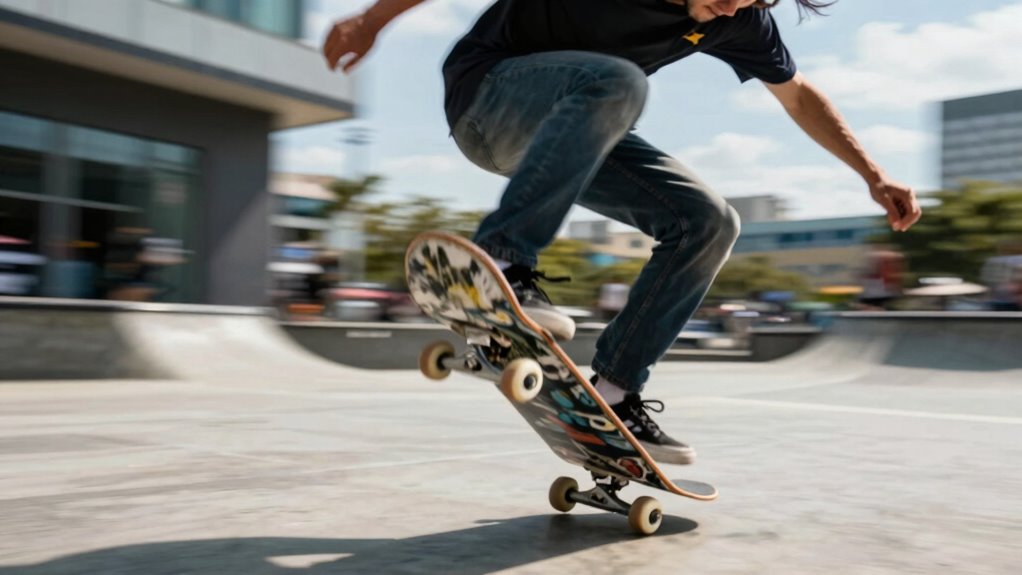
Ever wondered how to set the perfect frame rate for different action scenarios? Your choice impacts not only motion smoothness but also color grading and audio synchronization. For fast-paced sports or high-speed chases, shoot at 60 fps or higher to guarantee clarity and fluidity, making editing easier and reducing motion blur. Slower scenes, like dramatic dialogues or static shots, benefit from 24 or 30 fps, giving a cinematic feel while simplifying color grading. When working with high frame rates, pay attention to audio sync, especially if shooting live sound, as higher rates can cause synchronization issues. Matching your frame rate to the scene’s energy ensures seamless integration of visuals, sound, and color grading, creating a polished, professional-looking video. Additionally, understanding how frame rate settings influence the overall viewing experience can help you make more informed choices.
Pro Tips for Shooting Smooth Action Shots at Different Frame Rates
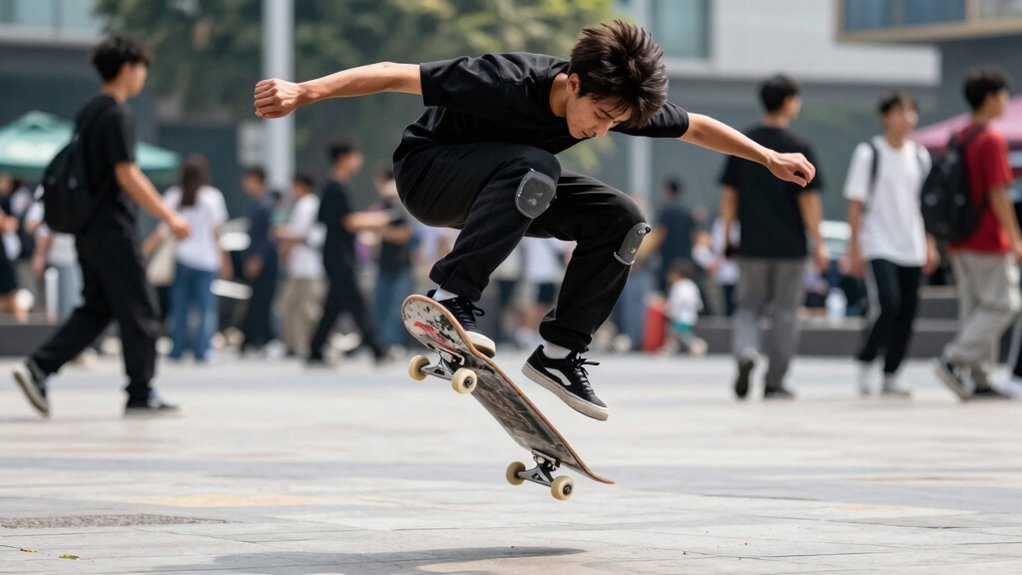
To capture smooth action shots, you need to pick the right frame rate for your scene, considering how fast the motion is. Adjust your shutter speed accordingly to avoid motion blur or choppiness, and use stabilization tools to keep your footage steady. These tips will help you produce professional-quality footage at any frame rate. Incorporating smart investment strategies can also enhance your overall filmmaking setup and ensure you get the best value from your equipment.
Choosing the Right Frame Rate
Have you ever wondered how to pick the best frame rate for capturing smooth action shots? Your choice depends on your final look and workflow. If you plan to do color grading, shooting at a higher frame rate like 60fps gives you more flexibility in post-production, especially for slow-motion effects. For fast-paced scenes, a higher frame rate ensures smoothness and detail. Keep in mind, audio synchronization is crucial; shooting at standard frame rates like 24fps or 30fps makes syncing audio easier. If your project involves slow-motion, shoot at a higher frame rate and then slow down in post. Ultimately, your choice hinges on the mood you want to create and how much post-processing you’re prepared to do to achieve perfect sync and color consistency.
Shutter Speed Settings
Adjusting your shutter speed is essential for capturing smooth action shots, especially when working with different frame rates. In bright lighting conditions, you can use faster shutter speeds to prevent overexposure and motion blur, ensuring crisp details. Conversely, in low light, slightly slower shutter speeds help gather enough light, but be mindful of introducing unwanted blur. Consider your camera ergonomics; a steady hand or tripod allows you to shoot at recommended shutter speeds without camera shake. When shooting at higher frame rates, double your frame rate to set the shutter speed, like 1/120 sec for 60 fps. Proper shutter speed settings balance motion clarity and exposure, giving your action footage a professional, smooth look regardless of lighting conditions.
Stabilization Techniques
Maintaining stability is essential for capturing smooth action shots, especially when working with different frame rates. Use a gimbal or tripod to minimize shakes and keep your footage steady. When shooting at higher frame rates, consider using electronic stabilization in post-production, but avoid relying on it alone. Proper stabilization makes color grading easier, as less noise and distortion are present, leading to cleaner images. Additionally, steady footage simplifies audio synchronization, ensuring sounds match the visuals perfectly. Practice smooth camera movements and avoid abrupt motions, which can be exaggerated at lower frame rates. Combining physical stabilization with thoughtful post-process techniques results in professional-looking footage that’s visually appealing and easy to edit. Consistent stability ultimately enhances your overall video quality.
Editing Tricks to Enhance Action Sequences With Frame Rate Adjustments
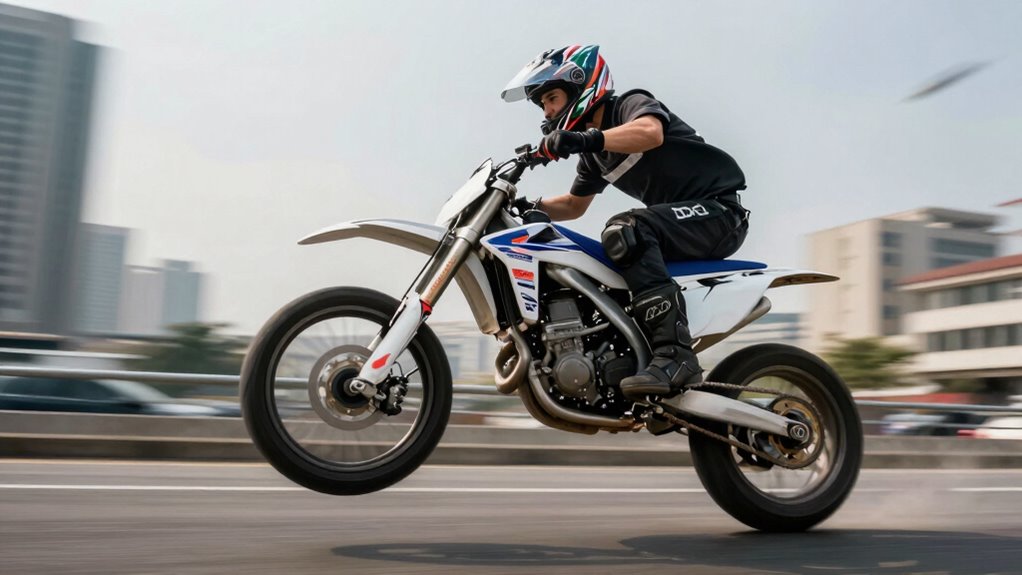
To make action sequences feel more dynamic and intense, filmmakers often tweak frame rates during editing. You can achieve this by combining frame rate adjustments with color grading to emphasize mood and highlight fast-paced moments. For example, lowering the frame rate slightly during high-energy scenes can create a sense of chaos, while brightening colors enhances the visual impact. Sound design also plays a vital role; syncing impactful sounds with frame rate changes amplifies the feeling of speed and danger. Quick cuts and selective slow motion, when paired with these techniques, draw viewers into the action. By carefully balancing frame rate shifts with color grading and sound, you create a more immersive, visceral experience that keeps your audience engaged and on the edge of their seats.
Troubleshooting Common Frame Rate Issues in Action Videos
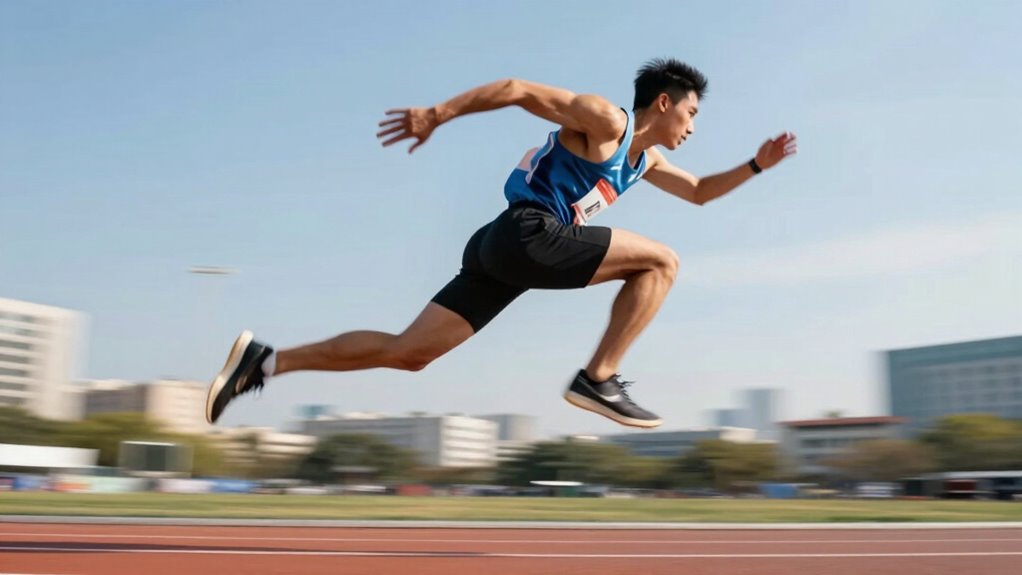
When working with action videos, frame rate issues can disrupt the sense of speed and fluidity you’re aiming for. Common problems include choppy playback, judder, or inconsistent motion. Many believe frame rate myths, such as higher frame rates always producing better results, which isn’t true. To troubleshoot, first check your original footage’s frame rate; mixing different rates can cause issues. Use editing software to stabilize shaky footage or smooth out motion artifacts. If playback feels off, consider converting your clips to a consistent frame rate before editing. Remember, frame rate myths often lead to unnecessary confusion—focus on matching your desired look with the right rate, rather than blindly increasing or decreasing frame rates. Clear understanding helps you troubleshoot effectively and achieve seamless action sequences. Additionally, understanding video frame rates and how they relate to your camera settings can prevent many common issues from occurring in the first place.
Frequently Asked Questions
Can Changing Frame Rates Affect the Video File Size?
Yes, changing frame rates can affect your video file size. When you increase the frame rate, your recording speed rises, resulting in more frames per second, which adds to the file size. Conversely, lowering the frame rate reduces the number of frames, making the file smaller. Keeping frame rate consistency guarantees predictable file sizes, but adjusting it for your recording speed can lead to larger or smaller video files depending on your settings.
How Does Frame Rate Impact Slow-Motion Effects?
Frame rate selection directly impacts slow-motion clarity, as higher frame rates capture more detail and allow smoother slow-motion playback. When you choose a higher frame rate, your footage retains clarity and sharpness during slow motion, making every movement appear fluid and precise. Conversely, lower frame rates can cause choppiness, reducing the effectiveness of slow-motion effects. So, for crisp slow-motion, opt for higher frame rates to enhance overall visual quality.
Are Higher Frame Rates Better for Fast-Paced Sports Videos?
Higher frame rates do improve fast-paced sports videos, making motion look smoother and more realistic. Despite frame rate myths suggesting otherwise, viewers perceive rapid movements more clearly at higher rates. Studies show that 120 fps or above can substantially enhance viewer perception, especially during quick actions. So, if you want fluid, immersive sports footage, opting for higher frame rates is a smart choice to deliver a better viewing experience.
What Equipment Is Needed for Filming at High Frame Rates?
To film at high frame rates, you need a camera capable of capturing at least 120 fps or higher, along with proper camera stabilization to prevent shaky footage. Make certain your lighting is sufficient, as higher frame rates often require more light for clear images. Consider using additional lighting equipment if needed, and check your camera’s settings to optimize for high-speed recording, resulting in smooth, detailed action shots.
How Do Frame Rates Influence Visual Storytelling in Action Scenes?
Frame rates fuel your film’s flow, fostering visual fluidity and heightening cinematic impact. Higher frame rates capture swift scenes with stunning clarity, immersing viewers in every detail of the action. Conversely, lower frame rates add a dramatic, stylized effect, emphasizing tension or urgency. Your choice shapes storytelling tone, guiding viewers’ emotions and focus. By mastering frame rates, you craft compelling, enthralling scenes that resonate and elevate your visual narrative.
Conclusion
Now that you understand the ins and outs of frame rates, you’ll be ready to capture action like a pro—no need to channel your inner Leonardo da Vinci or break into a sweat. Remember, choosing the right frame rate is like wielding Excalibur; it can turn a good shot into a legendary one. So go ahead, experiment, and make your videos as smooth as a silk tapestry—your audience will thank you for it!