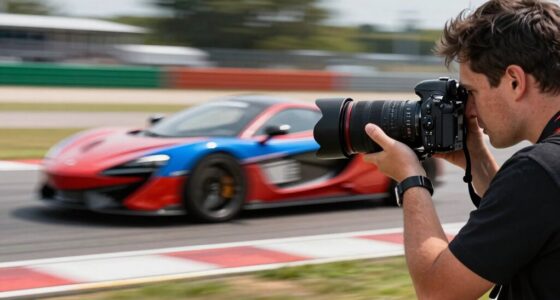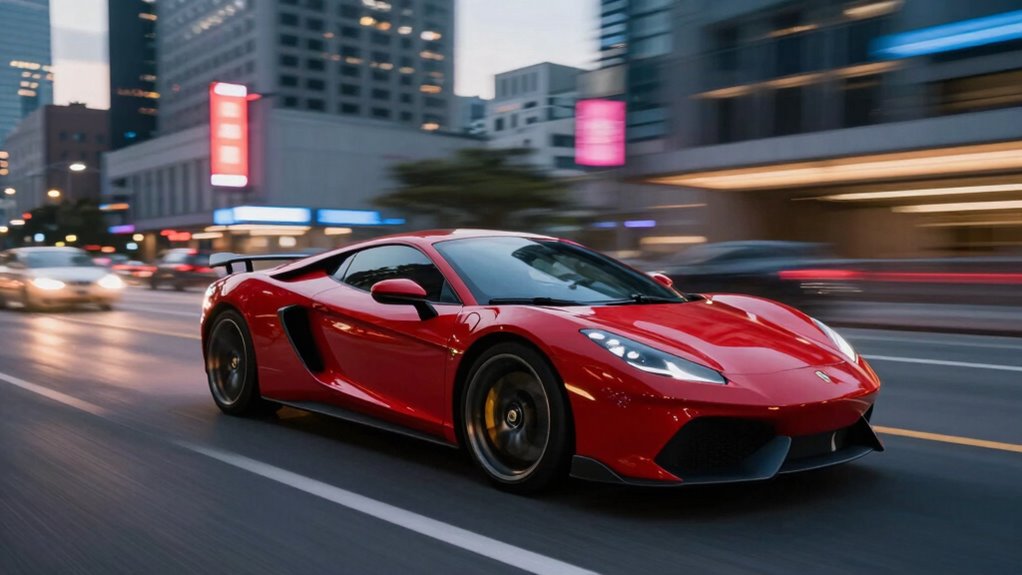

To use motion blur intentionally, start by controlling your camera’s shutter speed—slower speeds like 1/15 or 1/30 sec help capture streaks of movement. Keep your camera steady or follow the subject to emphasize motion, and adjust your ISO and aperture to maintain proper exposure. Experiment with different angles and speeds until you get the desired effect. Mastering these techniques turns chaos into compelling art—keep exploring to improve your skill further.
Key Takeaways
- Use manual camera settings to control shutter speed, typically between 1/30 and 1/15 sec, for intentional motion blur.
- Pan or follow your subject during exposure to create dynamic streaks while keeping the subject sharp.
- Stabilize your camera with a tripod or stabilization gear to maintain composition and avoid unwanted camera shake.
- Incorporate lighting techniques like backlighting or moving light sources to enhance the motion effect.
- In post-processing, selectively adjust contrast and saturation to emphasize movement, balancing sharpness and blur.
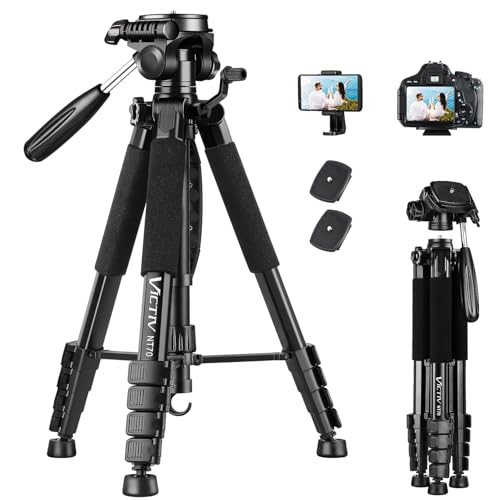
VICTIV 74” Camera Tripod, Tripod for Camera and Phone with Phone Holder
- Adjustable Height Range: 19-74 inches for versatile shots
- Lightweight and Portable: Weighs 3.14 lbs with carrying bag
- Universal Compatibility: Fits cameras, smartphones, scopes, and more
As an affiliate, we earn on qualifying purchases.
As an affiliate, we earn on qualifying purchases.
What Is Motion Blur, and How Does It Work?

What exactly is motion blur, and how does it work? Motion blur occurs when your camera captures moving subjects or scenes with a slower shutter speed, causing a streaking effect. This effect mimics how our eyes perceive rapid movement, adding a sense of dynamism to your images. It plays a vital role in depth perception by emphasizing the contrast between sharp and blurred areas, guiding viewers’ focus. In visual storytelling, motion blur conveys speed, energy, or emotion, making scenes feel more alive. When you intentionally use motion blur, you tap into this natural perception, creating images that communicate movement and mood effectively. Understanding how motion blur interacts with your scene helps you craft more engaging, purposeful photos and videos. Additionally, knowing the role of accessories in controlling your camera settings can help you achieve the desired motion blur effect with precision. Understanding camera settings and how they influence motion blur is essential for mastering this technique. By experimenting with different settings, you can enhance your creative control, and mastering the interaction of shutter speed and movement allows for more precise control over the effect. Exploring the impact on visual storytelling can further elevate your ability to communicate through images.
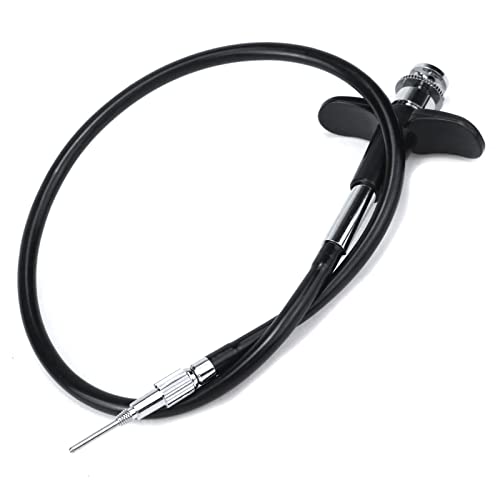
Pastlla 15.7" (40cm) Threaded Release Cable Shutter Release Cable, Black
- Package Contents: Includes 1 shutter release cable
- Cable Length: 15.7 inches (40 cm) long
- Compatibility: Fits digital and film cameras
As an affiliate, we earn on qualifying purchases.
As an affiliate, we earn on qualifying purchases.
How Motion Blur Can Set the Mood in Photos and Videos
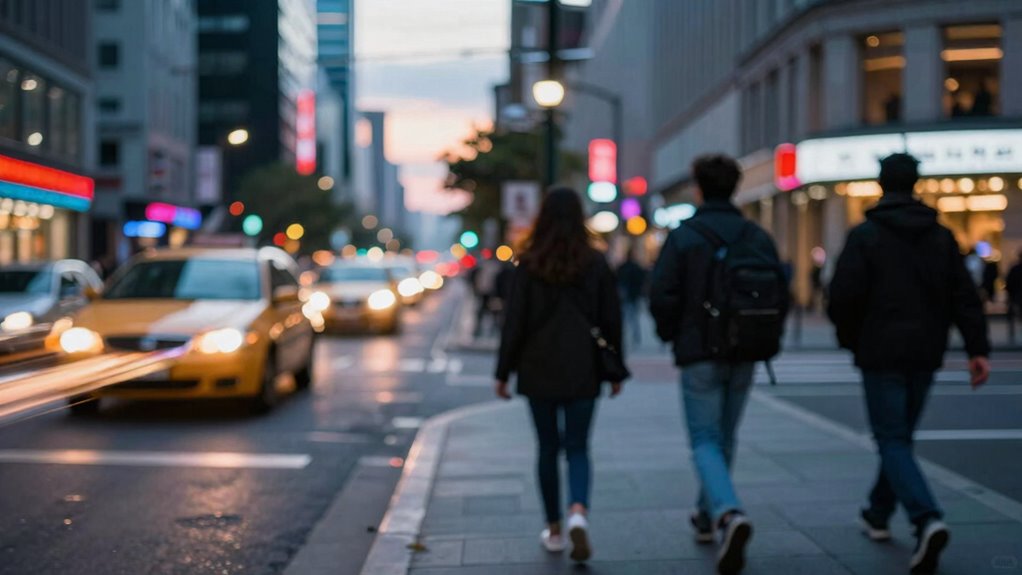
Motion blur is a powerful tool for setting the mood in your photos and videos, as it can evoke feelings of energy, chaos, or serenity depending on how you use it. By experimenting with different lighting techniques, you can enhance the emotional impact of motion blur—slow shutter speeds combined with low light create a dreamy, calm atmosphere, while bright, fast-paced scenes emphasize excitement. Your subject selection also matters; capturing moving subjects like dancers or bustling crowds can amplify feelings of vitality or disorder. Carefully choosing what to include in motion and how it moves within the frame allows you to craft a specific mood. Incorporating visual storytelling techniques can further enhance the emotional resonance of your images. When used intentionally, motion blur becomes a creative device that guides viewers’ emotional response and adds depth to your storytelling. Understanding the artistic purpose behind your motion choices helps you communicate more effectively through your visuals. Exploring different camera settings allows you to better control the amount and style of motion blur, giving you more tools to express your artistic vision. Additionally, paying attention to camera stability can help you achieve cleaner, more intentional blur effects that align with your desired mood. Knowing how to manage shutter speed effectively is essential for creating the desired motion effects without sacrificing image quality.
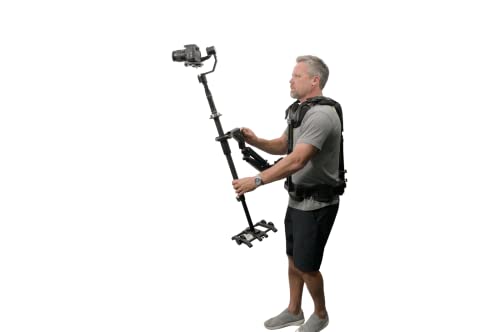
Glide Gear Steady Cam Vest and Arm 5 Axis Stabilization G2G 1000 Kit
- Durable All-Metal Construction: Built for longevity and stability
- Versatile Gimbal Mounts: Fits 1/4 and 3/8 inch mounts
- Flexible Weight Placement: Adjusts for optimal balance
As an affiliate, we earn on qualifying purchases.
As an affiliate, we earn on qualifying purchases.
Choosing Equipment and Camera Settings for Purposeful Motion Blur

Choosing the right equipment and camera settings is essential for capturing purposeful motion blur. Start with a camera that allows manual control over shutter speed, aperture, and ISO. Use a tripod or stabilization gear to keep the frame steady while your subject moves, aiding in intentional blur. Adjust your lighting setups to enhance motion effects; slower shutter speeds work well in well-lit environments, but you might need to lower ISO or close the aperture to avoid overexposure. Incorporate framing techniques that emphasize movement, such as panning or following your subject to create dynamic streaks. Remember, deliberate camera positioning and settings help you control the amount of motion blur, ensuring your images communicate the desired sense of motion and energy.

Light Painting Brushes Deluxe Starter Kit for Light Painting, Long Exposure Photography and Creative Lighting Effects – White
- Complete Light Painting Kit: Includes all essentials for creative photography
- Versatile Lighting Tools: Flashlight, connectors, and modifiers included
- Designed by Light Painters: Professionally crafted for performance and durability
As an affiliate, we earn on qualifying purchases.
As an affiliate, we earn on qualifying purchases.
Step-by-Step Techniques to Create Intentional Motion Blur

Creating intentional motion blur involves a clear step-by-step process that allows you to control the effect precisely. First, set your camera to a slower shutter speed—experiment with settings like 1/30 or 1/15 seconds. Use lighting techniques such as backlighting or moving light sources to enhance the blur effect and add drama. Next, focus on composition strategies by choosing dynamic subjects that emphasize movement, like flowing water or passing cars. Position yourself to follow the subject’s motion, maintaining a steady camera or intentionally panning to create streaks. Adjust aperture and ISO to balance exposure, preventing overexposure. Finally, review your shots, refine your technique, and experiment with different speeds and angles until you achieve the desired sense of motion.
Common Mistakes When Using Motion Blur: and How to Fix Them
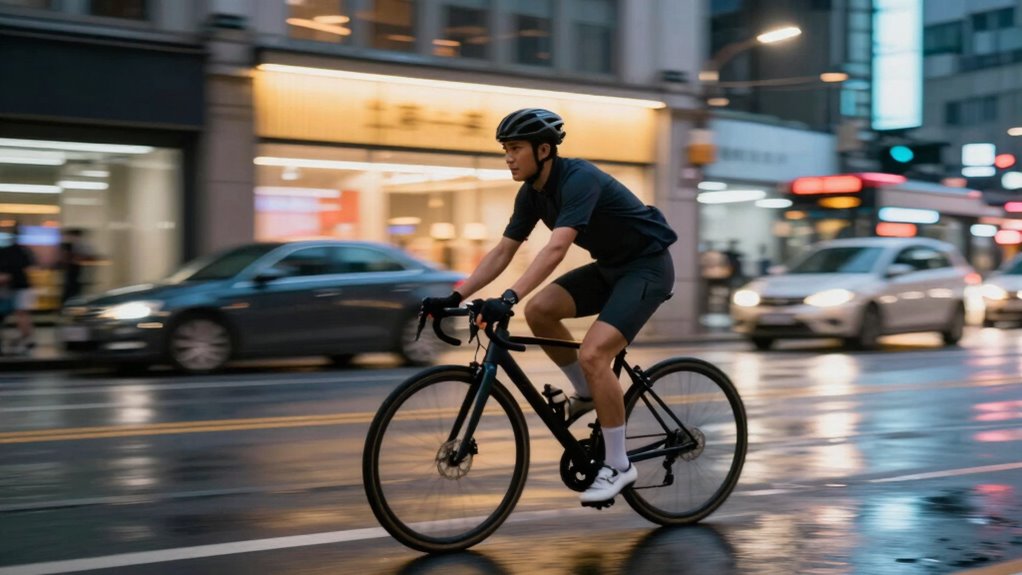
While experimenting with motion blur, it’s common to encounter mistakes that can undermine your images’ impact. One mistake is overusing blur, which can create a confusing or chaotic scene instead of emphasizing movement. Poorly considered creative composition can also weaken your shot—failing to direct the viewer’s eye or balance the image. Ignoring lighting considerations may result in underexposed or overly bright areas that distract from the effect. To fix these issues:
Avoid excessive blur, poor composition, and bad lighting to ensure your motion blur enhances your image’s impact effectively.
- Use controlled motion to avoid excessive blur
- Focus on strong, guiding compositional lines
- Adjust exposure settings for ideal lighting
- Plan your shot to highlight key elements and avoid distractions
These tips help guarantee your motion blur enhances your creative vision without losing clarity.
Post-Processing Tips to Enhance Your Motion Blur Effects
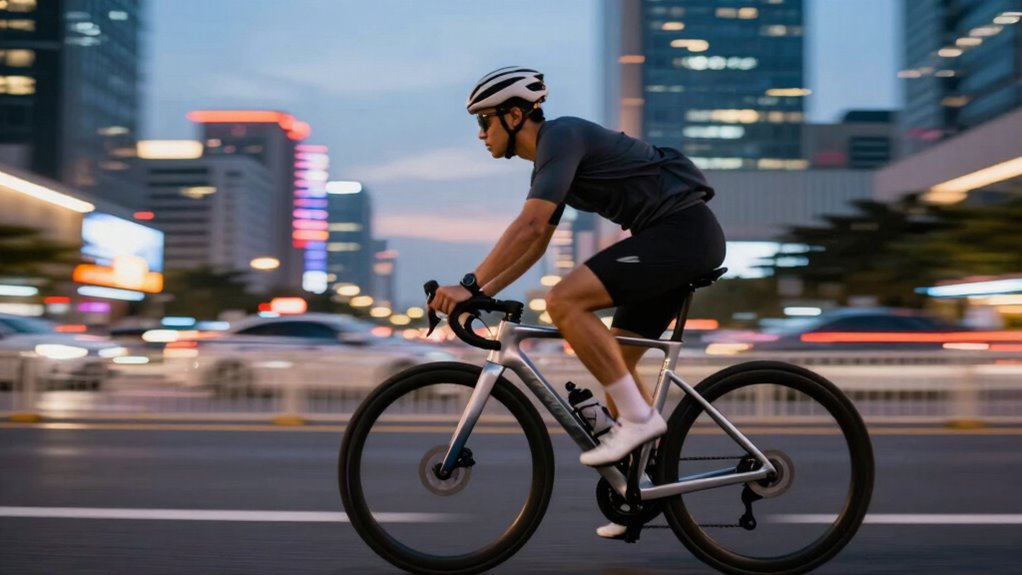
Post-processing is a powerful way to refine and amplify your motion blur effects, ensuring they look intentional and striking. To enhance your images, focus on adjusting lighting techniques to highlight motion and create depth. Carefully select your subject; sharpness in the subject with blurred surroundings emphasizes movement. Use editing tools to tweak contrast and saturation, making the motion stand out more vividly. The table below offers key tips:
| Technique | Purpose | Tips |
|---|---|---|
| Lighting Adjustments | Enhance motion perception | Increase contrast around subject |
| Subject Selection | Make motion clear and focused | Choose moving subjects with strong lines |
| Blur Refinement | Smooth or accentuate motion blur | Use layer masks to control areas |
| Color Grading | Create mood and direct viewer’s eye | Apply subtle color shifts |
| Sharpness Control | Balance between motion and detail | Sharpen key areas selectively |
Frequently Asked Questions
Can Motion Blur Be Used Creatively in Low-Light Photography?
Yes, you can use motion blur creatively in low-light photography. By intentionally capturing light pollution trails or moving subjects, you add dynamic energy to your images. Use camera stabilization to prevent unwanted shake, and experiment with longer exposures to emphasize motion. This technique transforms challenging lighting conditions into artistic opportunities, highlighting movement and light patterns in ways that showcase your unique style and creative vision.
What Are the Best Subjects for Intentional Motion Blur?
Did you know that 60% of professional photographers use intentional motion blur to create dynamic images? You should choose subjects like moving vehicles, flowing water, or dancing figures for the best results. Focus on motion blur techniques that emphasize speed and energy, such as panning or long exposures. These subjects naturally lend themselves to capturing motion, giving your photos a sense of movement and excitement that draws viewers in.
How Does Shutter Speed Influence the Artistic Quality of Motion Blur?
Shutter speed directly affects the artistic quality of motion blur by controlling how much movement appears in your shot. A slower shutter captures more blur, emphasizing motion, while a faster one freezes action. Adjust sensor sensitivity and aperture settings to compensate for light changes; higher ISO or wider aperture allows you to use slower shutter speeds without overexposing. Play with these settings to craft intentional, expressive motion effects.
Is It Possible to Combine Motion Blur With Other Photographic Effects?
Imagine blending colors on a palette—you can mix motion blur with other effects for stunning results. Yes, you can combine motion blur with digital manipulation or adjust camera settings like aperture and ISO to enhance the effect. Experimenting with these techniques allows you to craft dynamic images that tell a story. Just remember, thoughtful integration makes your photos more engaging, turning simple moments into mesmerizing visuals.
How Do Different Lenses Affect the Appearance of Motion Blur?
Different lenses substantially impact motion blur appearance through focal length effects and lens distortion. Longer focal lengths, like telephoto lenses, exaggerate motion blur, making movement appear more dramatic and compressed. Wide-angle lenses create less intense blur but can introduce lens distortion, stretching the scene and subtly altering motion perception. Your choice of lens influences how sharp or blurred motion appears, so select based on the desired effect and how lens distortion might enhance or detract from your shot.
Conclusion
Mastering intentional motion blur can elevate your photos and videos, turning everyday scenes into dynamic, artistic statements. For instance, imagine capturing a bustling city street where you intentionally blur passing cars to convey energy and movement. With the right equipment, settings, and techniques, you can craft visuals that truly stand out. Practice, experiment, and don’t be afraid to push creative boundaries—your purposeful motion blur can tell powerful stories and evoke strong emotions.